
Display, interface
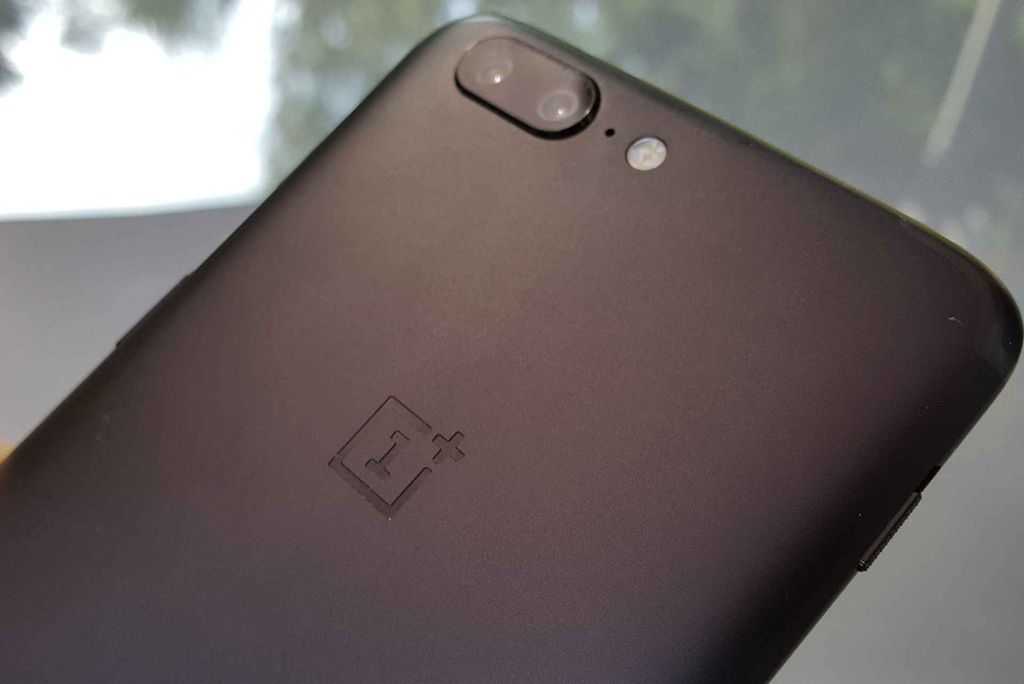
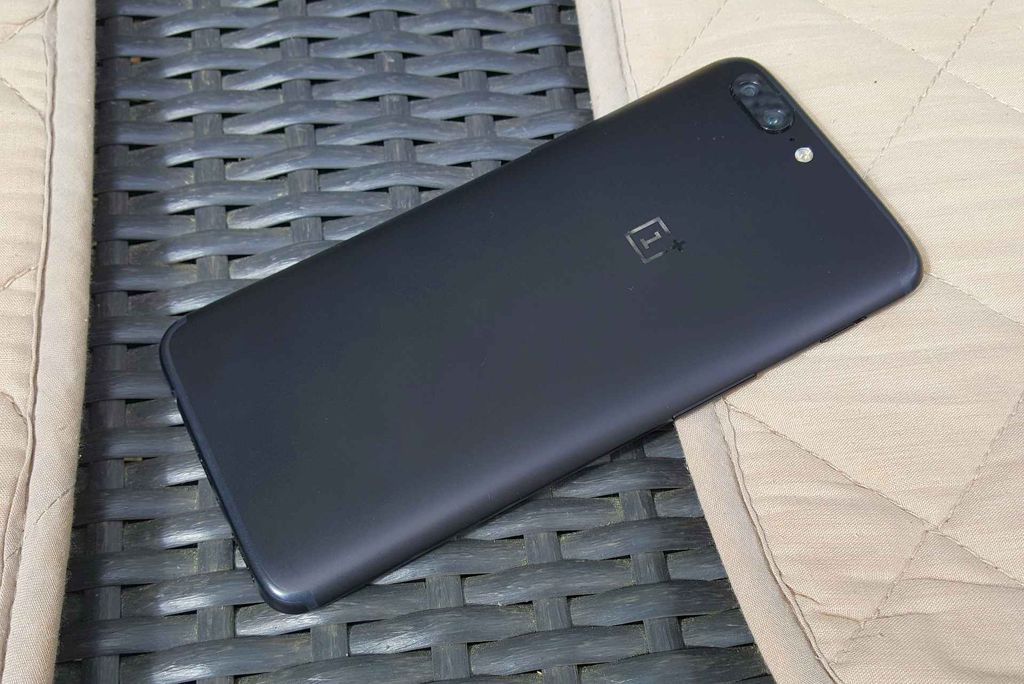
photo: Adam Łukowski/GSMchoice.com
The 5.5-inch display of “five” stands a bit from the flagship fashion – it has the Full HD resolution. In my opinion – it is enough, especially that we are talking about the AMOLED matrix, which advantages I do not need to mention. I will say it up front – the display is really good and the manufacturer took care of its maximum practicality.

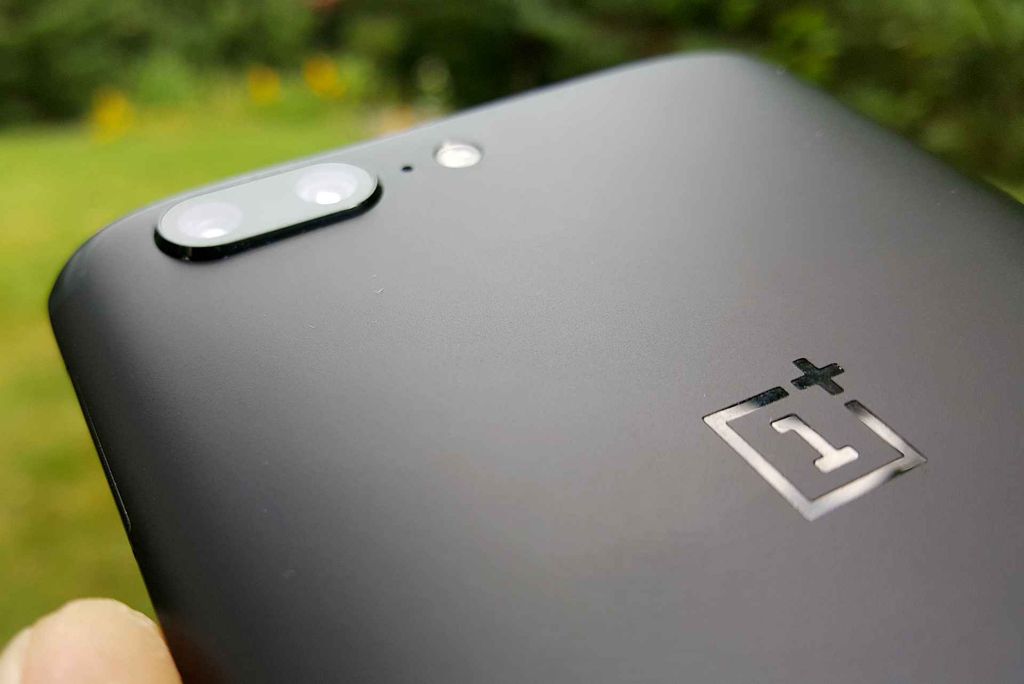
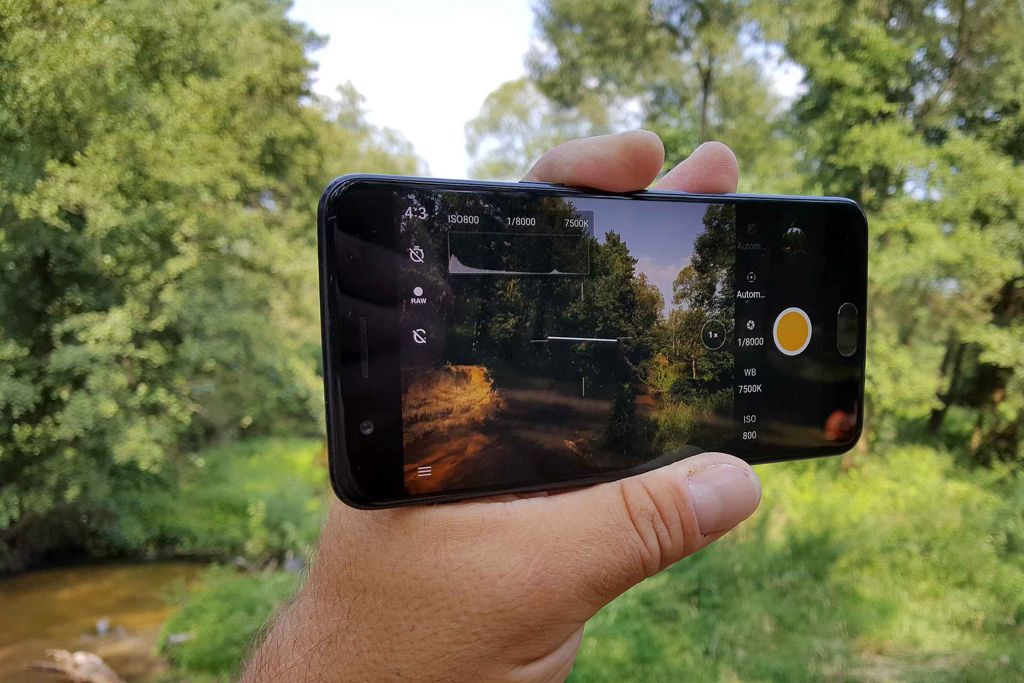
photo: Adam Łukowski/GSMchoice.com
The glass is not susceptible to dirt (just like the rest of the housing) and it offers a good “slide” of fingers and the whole experience of using the interface. In the menu we can find the possibility to switch the display into the reading mode (monochromatic, this option is ascribed to particular applications), the filter of the blue light (with the option of automatically turning it on at certain times) and the possibility to change the colours’ palette.
photo: Adam Łukowski/GSMchoice.com
We can wake up the phone by lifting it, along with “Ambient Display” notifications.
photo: Adam Łukowski/GSMchoice.com
I have mentioned about interface elements – so let us continue this subject. OnePlus 5 works under Android 7.1.1 with the OxygenOS add-on, which mostly looks like the crude Android interface.
photo: Adam Łukowski/GSMchoice.com
It does not mean that it lacks any additions – on the contrary. Besides the already mentioned display or notifications LED settings there is gestures support as well.
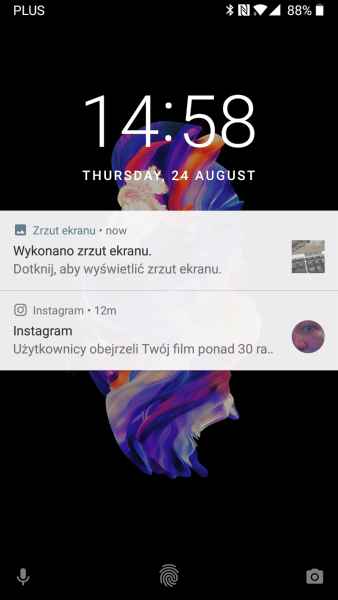
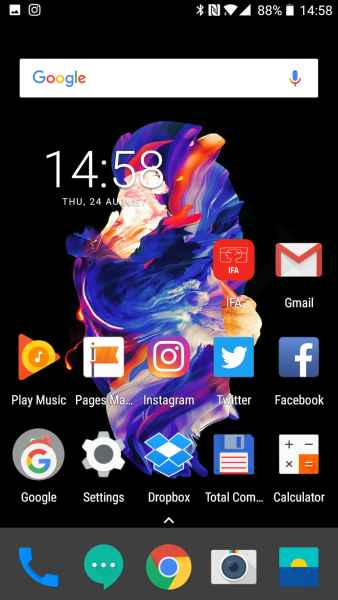
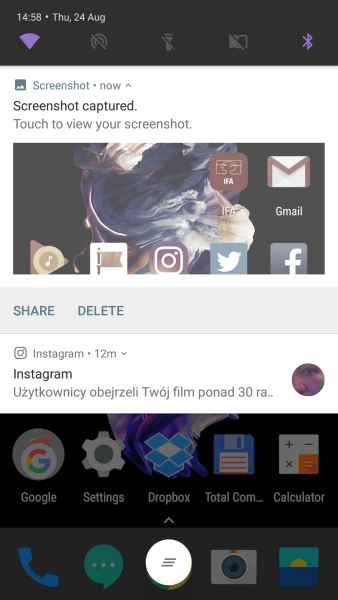
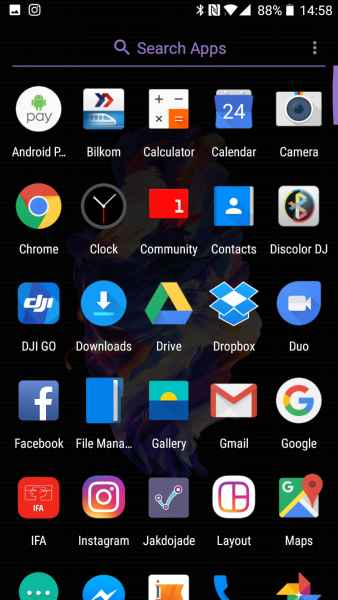
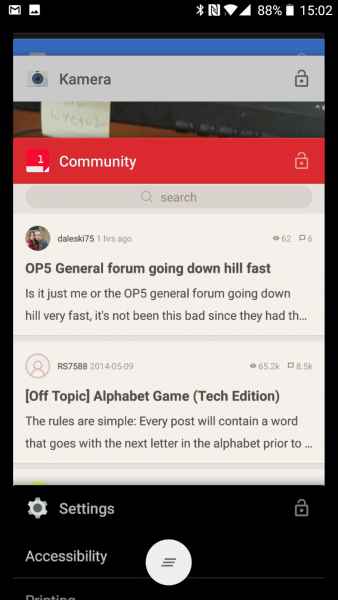
photo: Adam Łukowski/GSMchoice.com
Możemy np. wyciszyć dzwonek obracając telefon, zrobić zrzut ekranu pociągnięciem trzema palcami czy sterować muzyką rysując po ekranie piktogramy pauzy czy przewijania. Są też inne gesty kreślenia po ekranie - które możemy zdefiniować do uruchamiania konkretnych aplikacji - np. M dla e-maila...
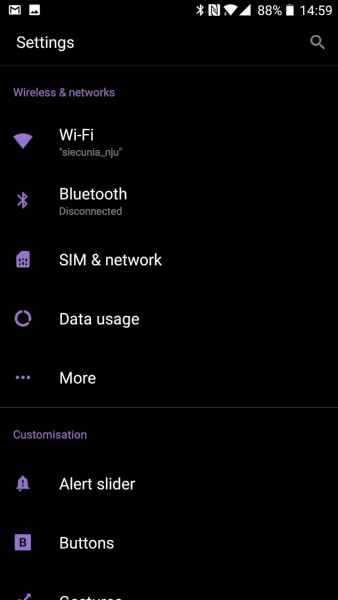
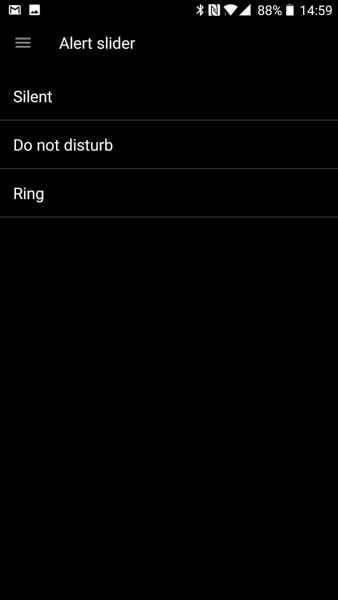
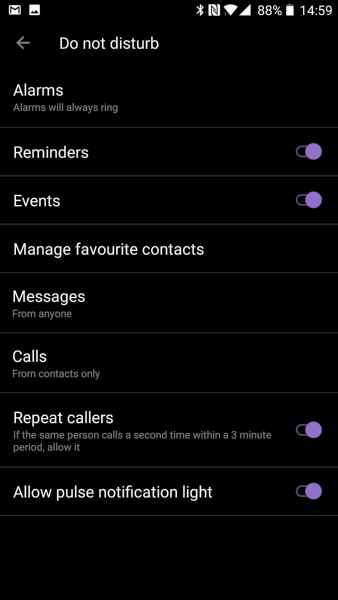
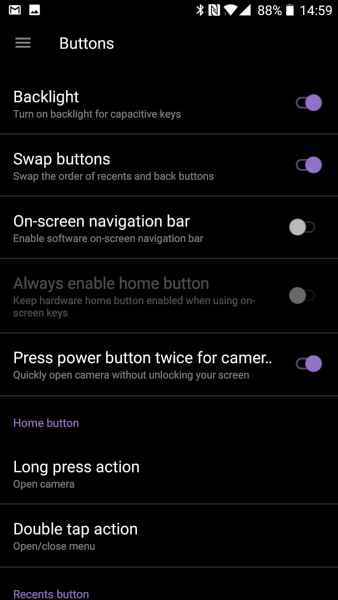
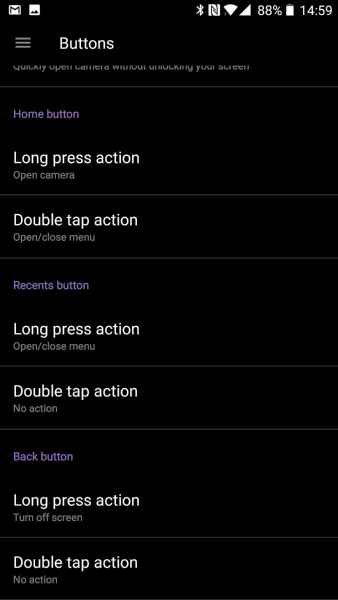
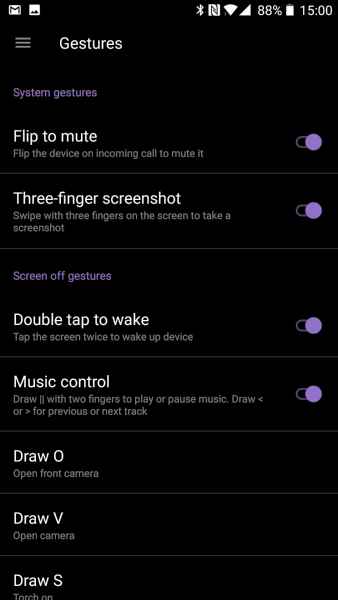
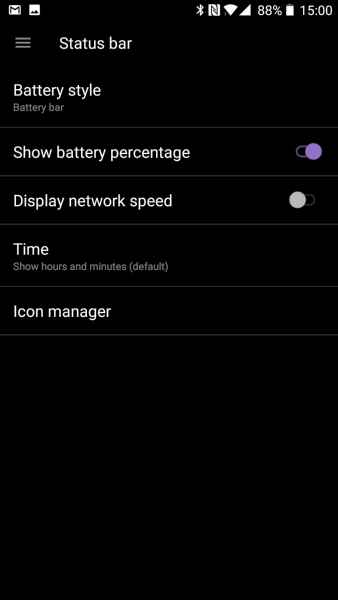
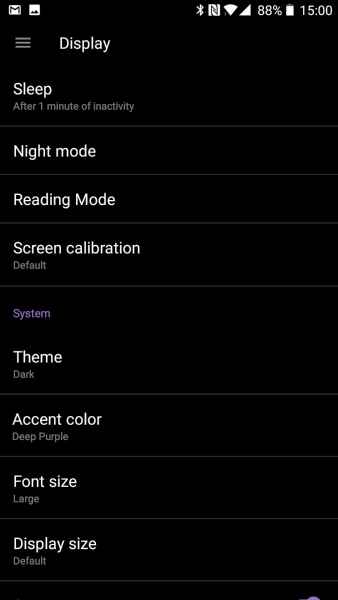
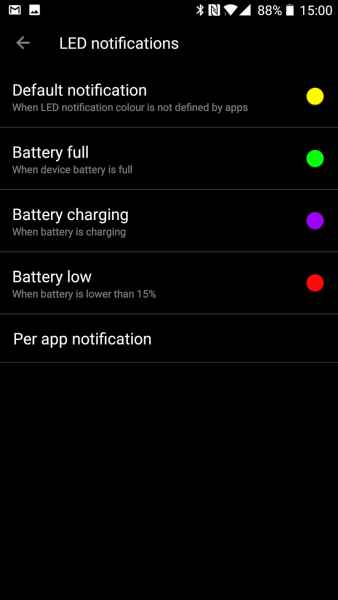
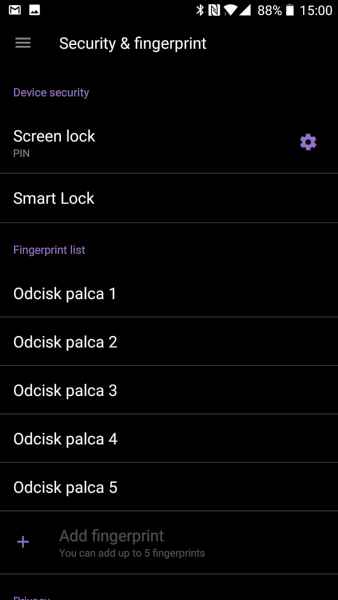

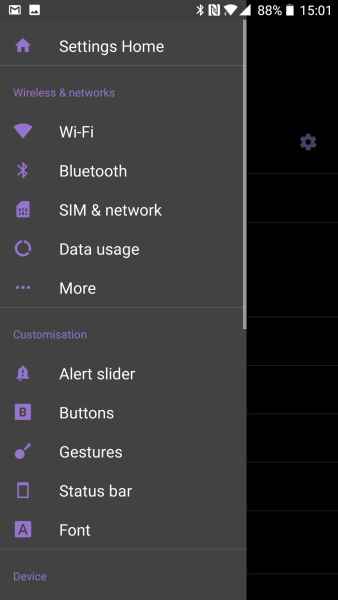
photo: Adam Łukowski/GSMchoice.com
OnePlus took care about using the potential of system buttons. We can use three buttons under the display (“home” with the fingerprint scanner and two sensors) by changing their functions with places or adding new ones – for example of a double tap or holding the button longer. In addition, if we prefer we can display system button on the screen.
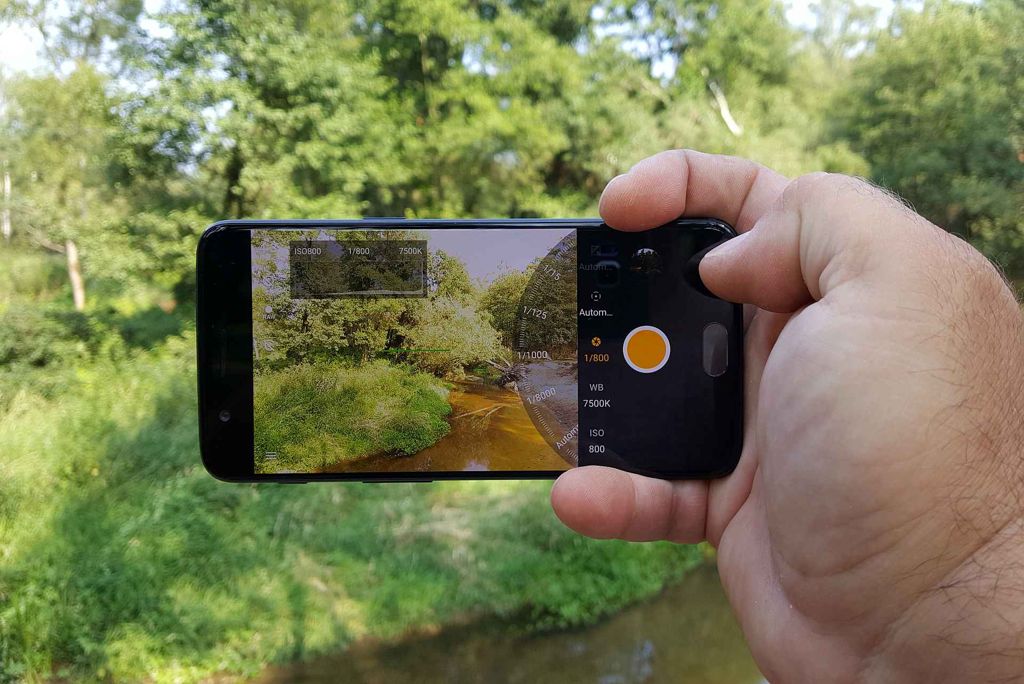
photo: Adam Łukowski/GSMchoice.com
There is the divided screen work mode as well. We can turn this function on in an unusual way – by swiping the app tray bar upwards, after holding it down for a while – but this is rather comfortable. Unfortunately, not all apps can work this way – but this is not OnePlus fault.
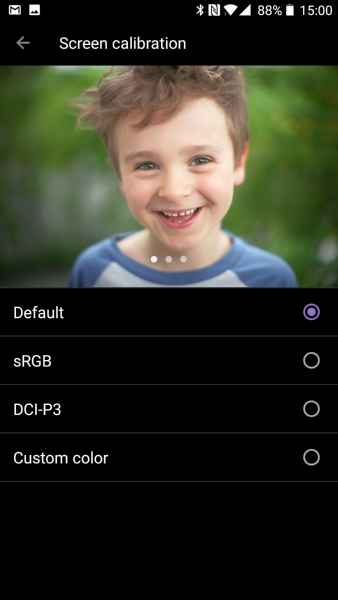
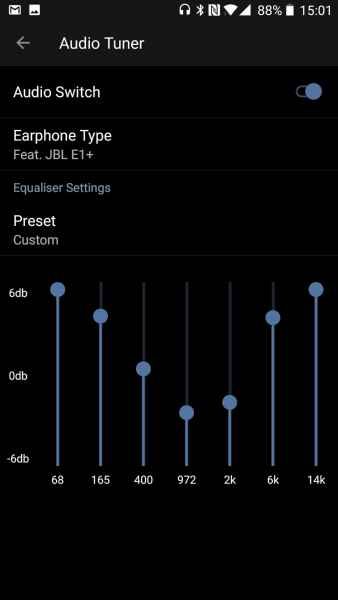
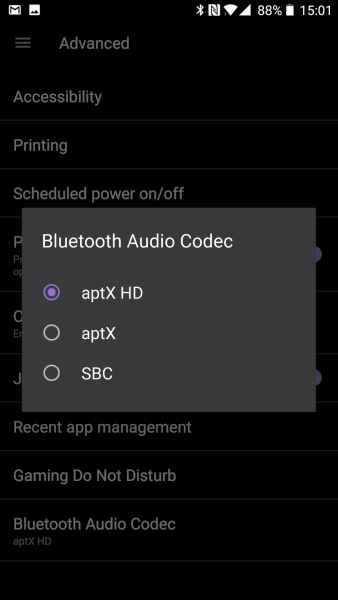
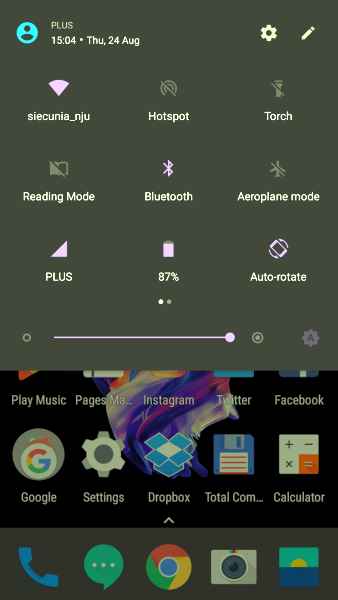
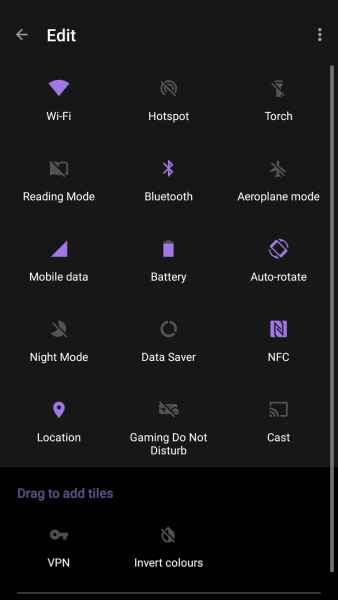
photo: Adam Łukowski/GSMchoice.com
There is a possibility to change theme or the main colour, the size of the font and the size of icons and the density of their grid.

photo: Adam Łukowski/GSMchoice.com
The notifications and shortcuts section are basically standard – we can of course change the arrangement of shortcuts and five most needed one will appear after extending notifications – without the necessity to swipe with two fingers again. Apps tray is a bit more unusual. It hides under the lowest row of icons – in order to enter it we need to slide it out from the bottom of the display.
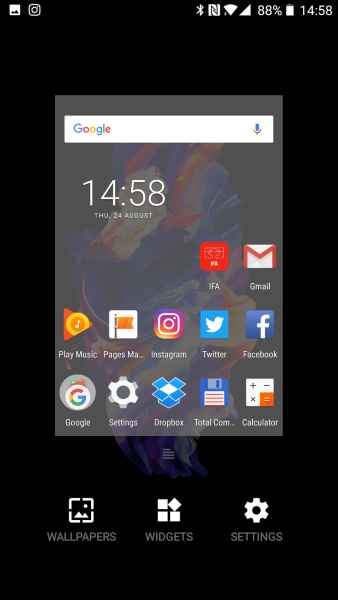
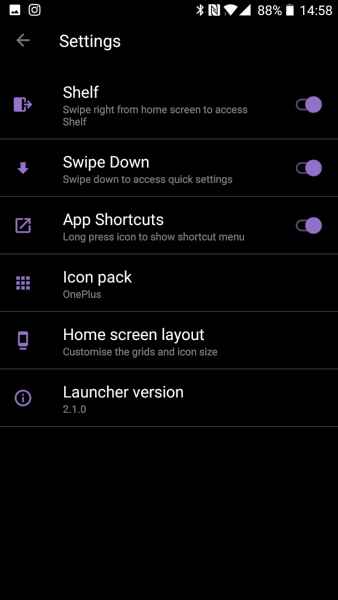
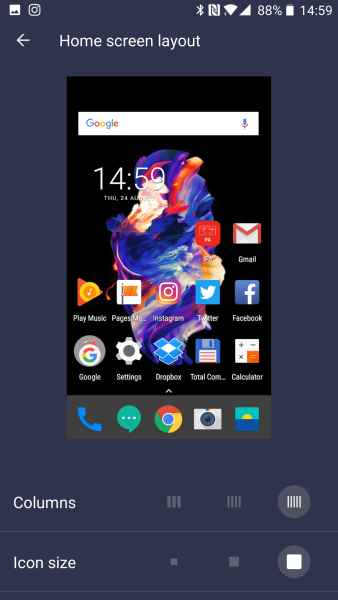
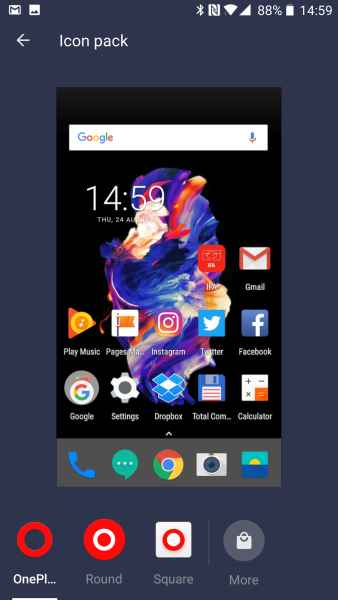

photo: Adam Łukowski/GSMchoice.com
This is the only peculiar feature of the OxygenOS tray- everything else is basically like in a standard Android. “Action balloons” is an interesting and practical feature – they appear after holding down the app icon. For example we can quickly add a tweet without the necessity to browse an entire app.
photo: Adam Łukowski/GSMchoice.com
There are no numbers of awaiting notifications displayed next to icons. However, there is Shelf – a panel that can slide out from the left side, which has widgets with the most important information – of course we alone decide what will be there.
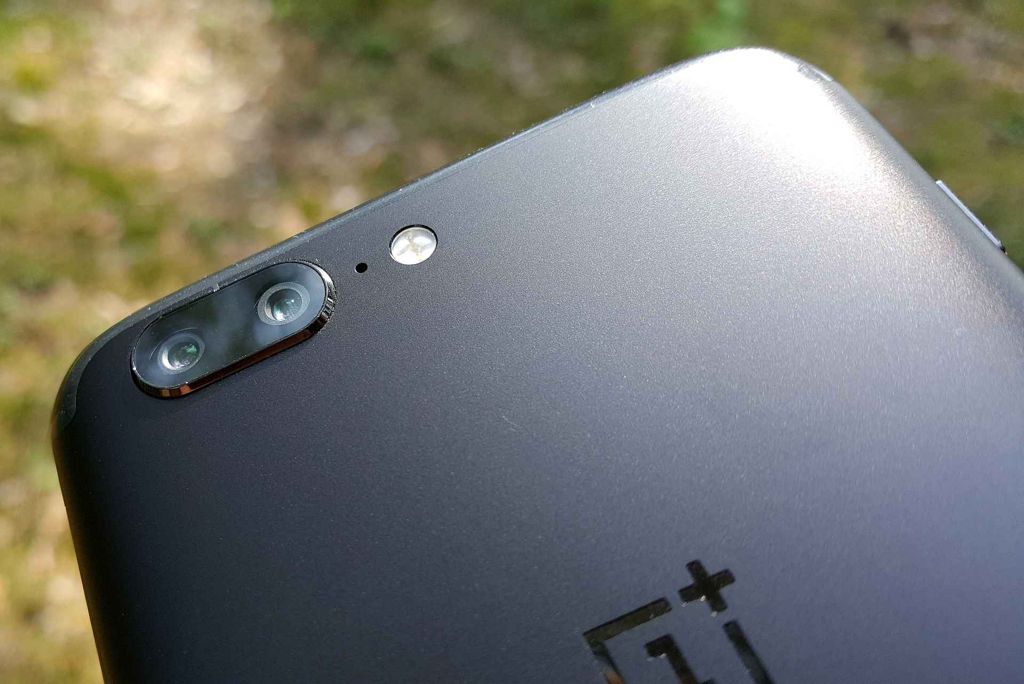
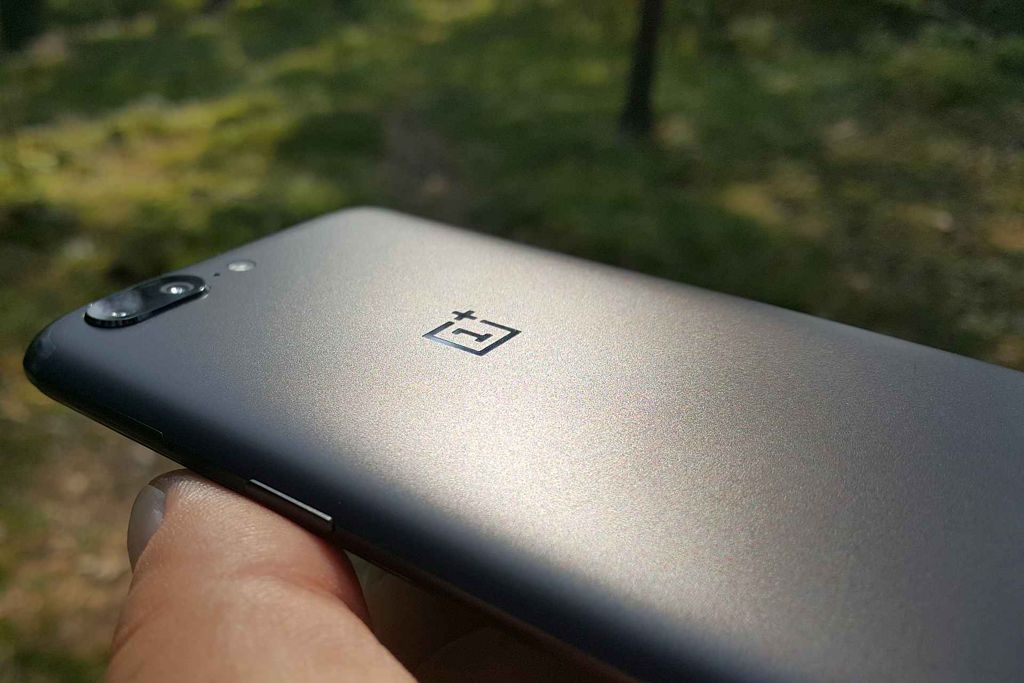
photo: Adam Łukowski/GSMchoice.com
I consider the OxygenOS as a highly positive one. It is simple, light, it does not have any strange solutions and bloatware apps. The only thing that bothered me was too weak lighting under touch sensors below the display. I could complain about the over sensitive display rotation which change the interface’s orientation even with a slight tilt of the phone.
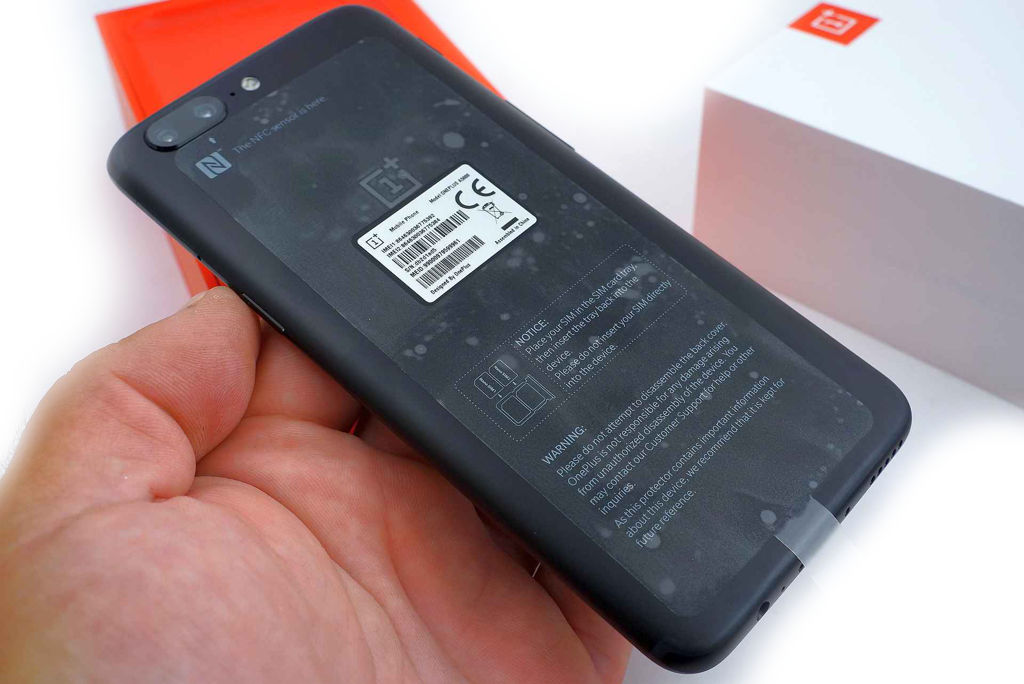
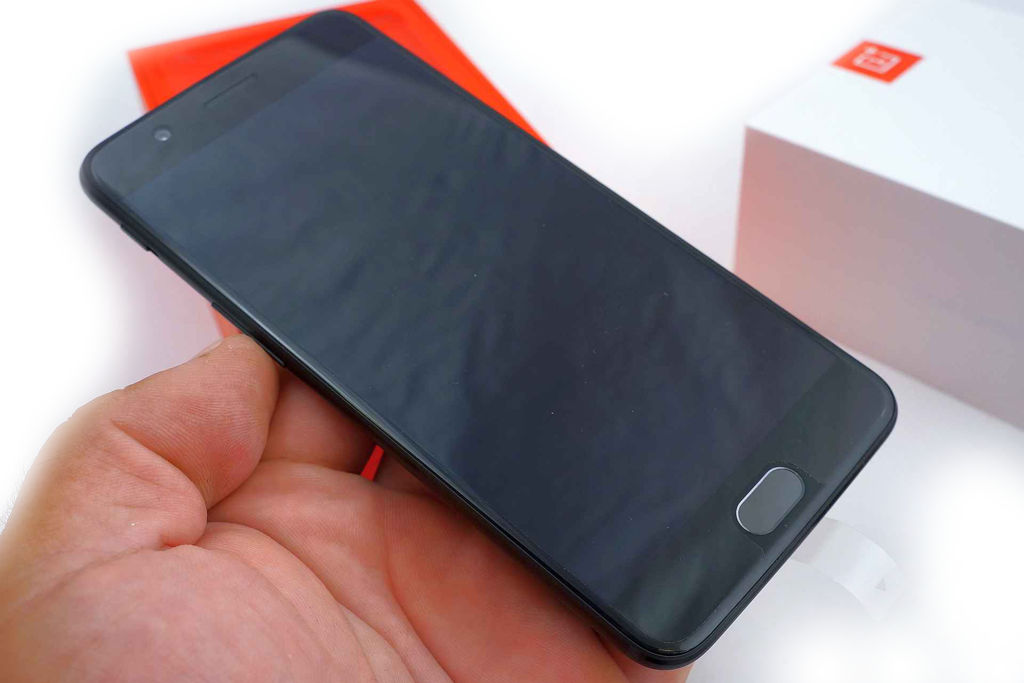
photo: Adam Łukowski/GSMchoice.com
Source: GSMchoice.com