 |
 |
 |
|
| Interface of HTC One photo: GSMchoice.com |
|||
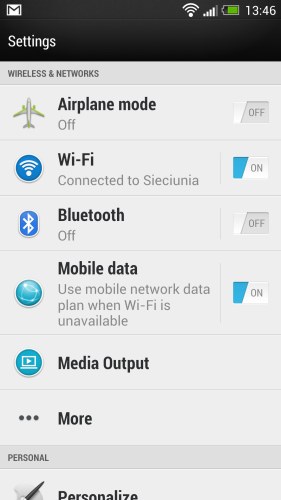
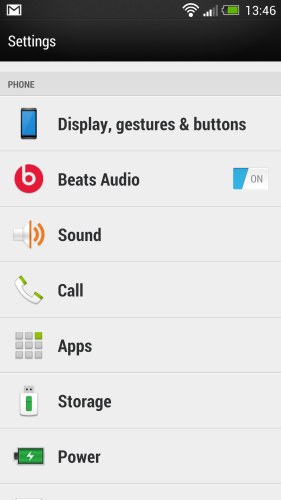
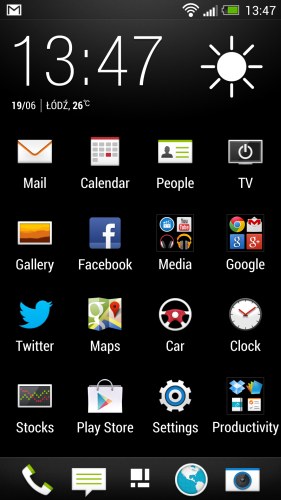
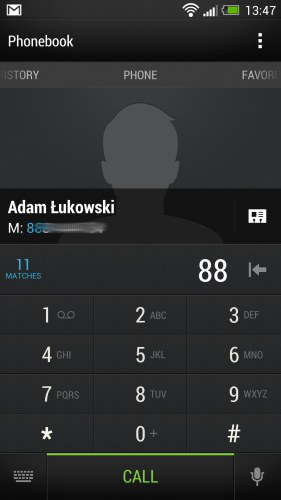
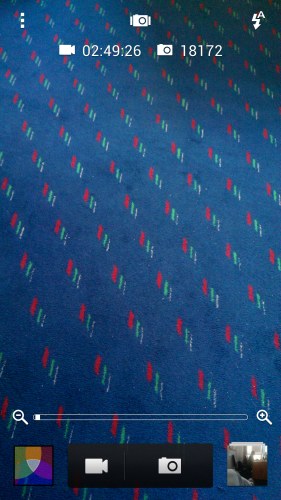
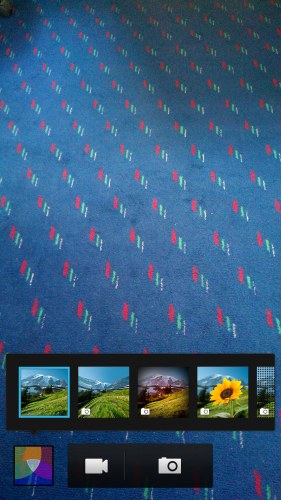
Let's look at the equipment of the phone. I note that I have in my hand a test copy and I assume that (as in the case of an accessory kit) it is identical with phones available on the market. My copy worked based on Android 4.1.2 with HTC Sense 5.0. In addition to standard system components HTC One gives us access to music service Wimp. In the software we'll also find graphics overlay for easy handling basic functions of the phone in a car, as well as "kids mode" in which we can define the applications and features which our child will access when it gets our HTC One...
 |
 |
 |
|
| Interface of HTC One photo: GSMchoice.com |
|||
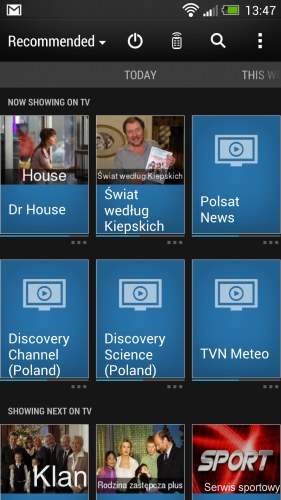
A very practical accessory can be a TV remote control (that's why there is the IR LED in the switch!). It works just like the one in Galaxy SIV. We define the country and TV service provider to gain access to EPG. In terms of controlling the equipment there were no problems - my TV, DVD and home theater were on the list of supported by the remote control. If you do not find yours - no problem, because the remote control has a function of learning codes. Unfortunately, it is a little hidden: to find it, you need to select any device from the list each time to indicate that the code does not work. After ten attempts there will reveal the possibility of self-learning of the remote control. Overall - a nice addition that requires only expanding the database of consecutive TV service operators.
 |
 |
 |
|
| Interface of HTC One photo: GSMchoice.com |
|||
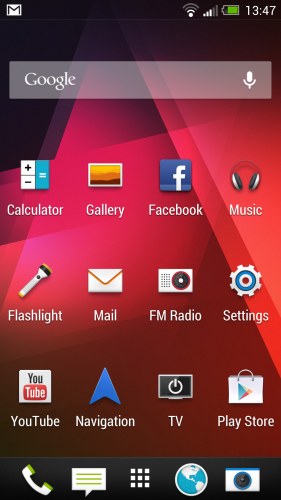
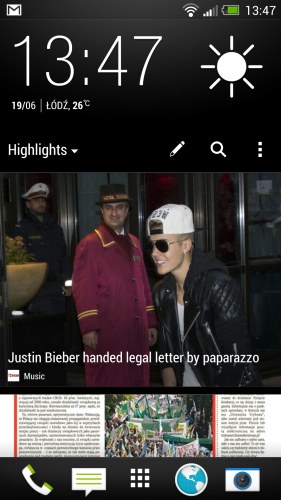
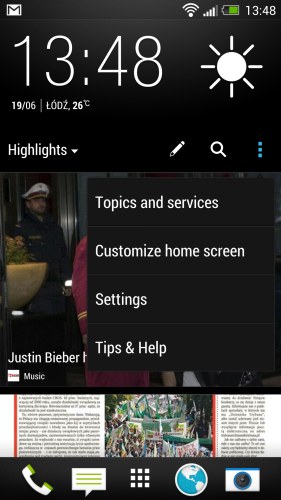
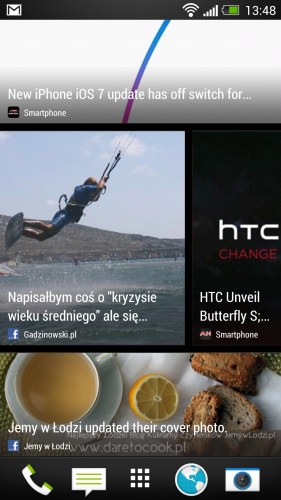
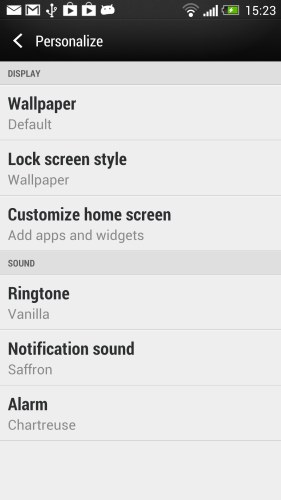
The most noticeable component of Sense 5.0 is the Blik Feed application, which is essentially a content feed and aggregation suite designed to present you with information relevant to you at a glance with an emphasis on news, imaging and social networking. We define what topics we are interested in and what services we want to use, and then selected topics land on in our home screen. They are automatically refreshed every time we unlock the screen and slide our finger to the left or to the right to watch news from other sources, that we clicked. This way of viewing the news from the world is in my opinion extremely comfortable and at the same time everything is presented very effectively. Of course, if we want to, we can set on the home screen "normal" desktop with icons. We define ourselves which of the panels is to be displayed by default, as the first. Overall, the entire Sense 5 UI is very comfortable, nice and intuitive... Only moving icons from the menu on the desktop annoyed me a bit. We cannot do this using the "hold-and-drop" like in a normal Android interface, but we have to go to the editing options by holding your finger on an empty space on the desktop. If it is there... Let me add that we have five desktops.
 |
 |
 |
|
| Interface of HTC One photo: GSMchoice.com |
|||
Source: GSMchoice.com