
I cannot remember the last time I held in my hand a BlackBerry smartphone. It was so long ago that I was not able to determine which model was the last ... But I'm going back to the "Berries" - because there are two latest models: Z10 and Q10 on my desk.
Both phones are running the latest system - BB10. So far I have not had anything to do with this platform, I will therefore describe it from the point of view of a novice. I hope you'll excuse me ... and maybe because of this someone will be tempted with "Blackberry"?
For now, I hold on to assessment of both phones. I got them for only a few hours, so I will tell you only about my first impressions. I promise that within a few days I'll publish a broader, separate reviews of both models.
| First impressions of Q10 and Z10 video: GSMchoice.com via YouTube |
|||
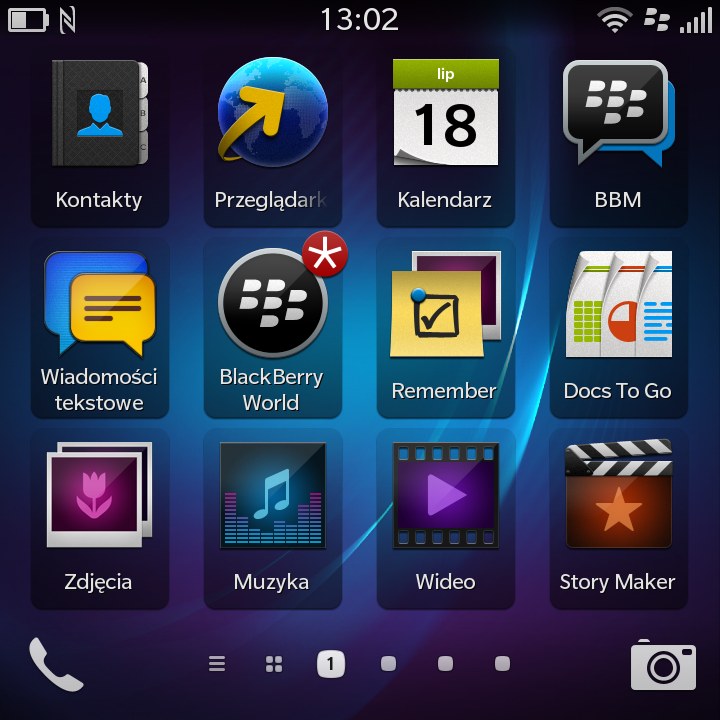
In the meantime - let's take a look at the system and phones. I'll start - a little unusually – from the user interface. In both models, it looks similar, but differs in its operating philosophy and - much less - the way in which it is displayed. In case of Z10 we deal with a 4.2-inch screen with a resolution of 768x1280 pixels, while Q10 has a hardware QWERTY keyboard and a square (but still touch) display with a diagonal of just over 3 inches and a side of 720 pixels.
 |
 |
 |
|
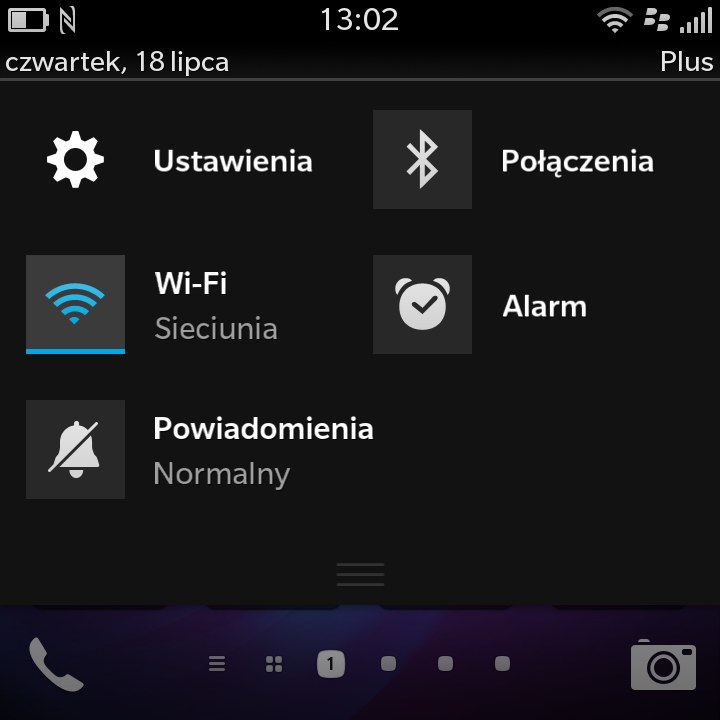
| Interface of BlackBerry Q10 photo: GSMchoice.com |
|||
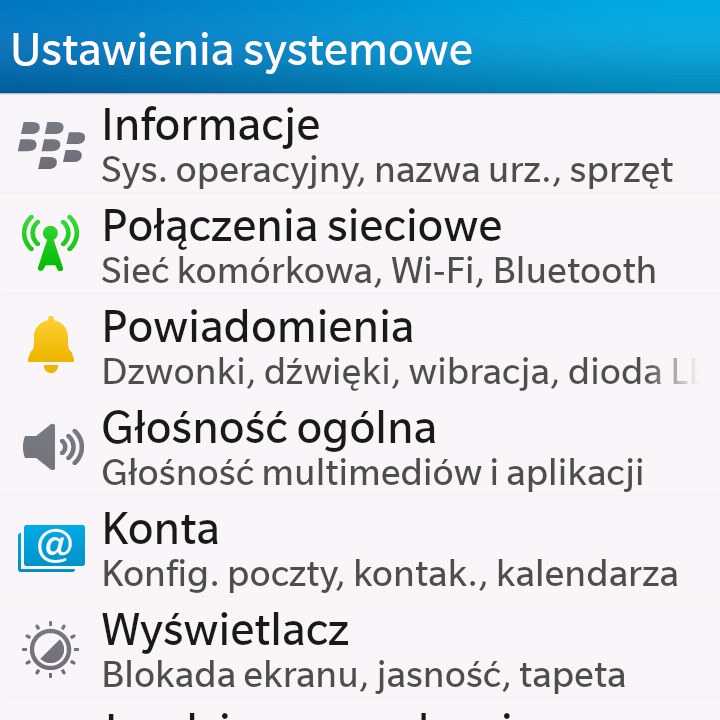
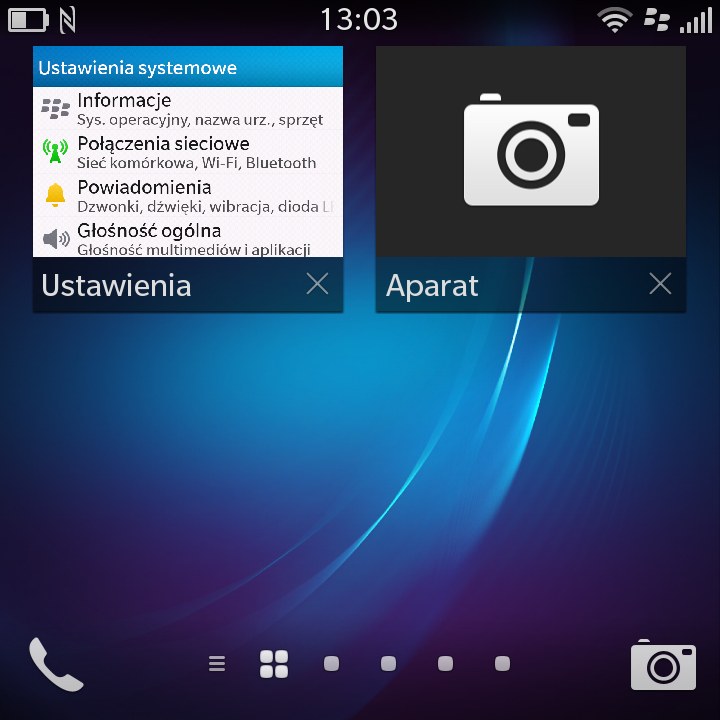
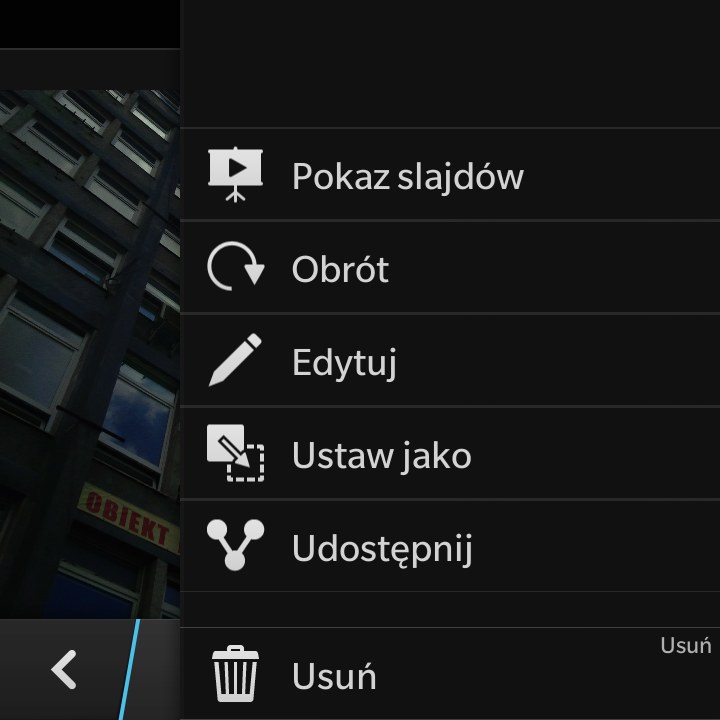
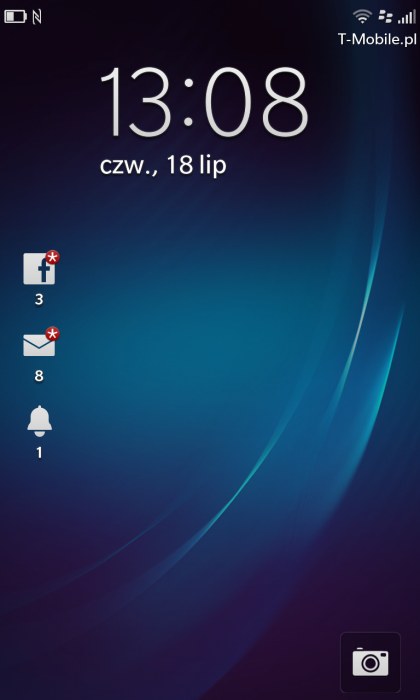
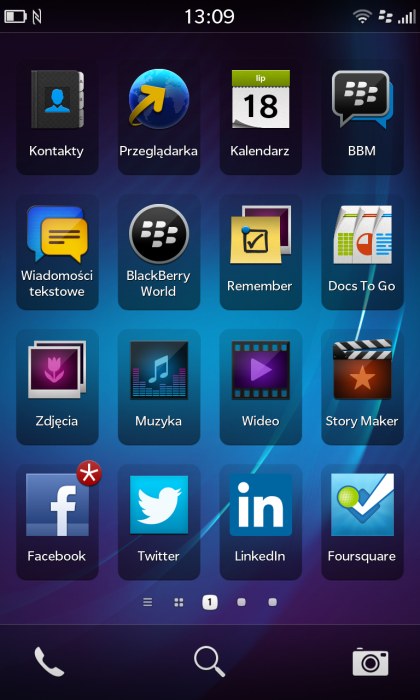
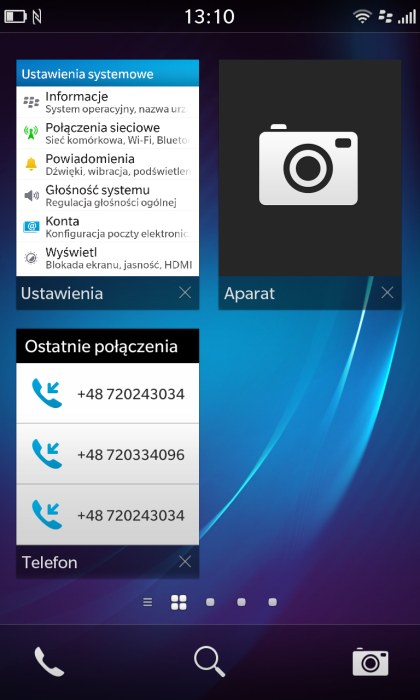
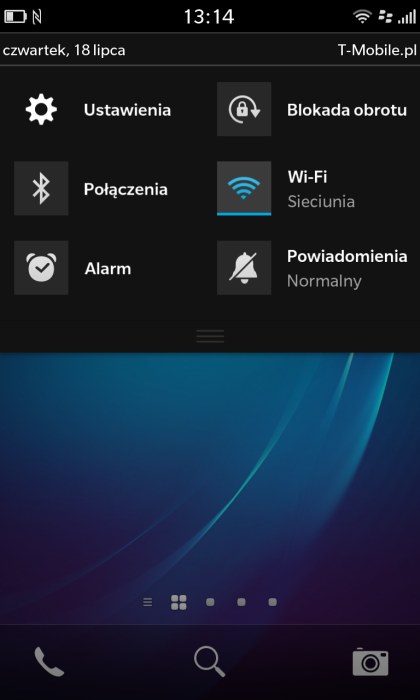
The main assumptions of the interface remain virtually unchanged - it is easy and convenient. The system should not shock even a novice. To use it efficiently it's enough to read brief instructions and a little training. Gestures are a new feature – for users of Android and iOS. The lion's share of work we perform by swiping a finger across the screen in four directions, from the shore. In this way, for example, we minimize an open application, open a bar of switches and enter the menu. Learning the meaning of gestures takes a moment. It is worth learning longer holding the icon. In this way, we rearrange the menu, but also for example, run the camera from the screen resting. It takes a little longer than the same activity in Android and iOS, but the way it seems to me a bit more comfortable.
 |
 |
 |
|
| Interface of BlackBerry Q10 photo: GSMchoice.com |
|||
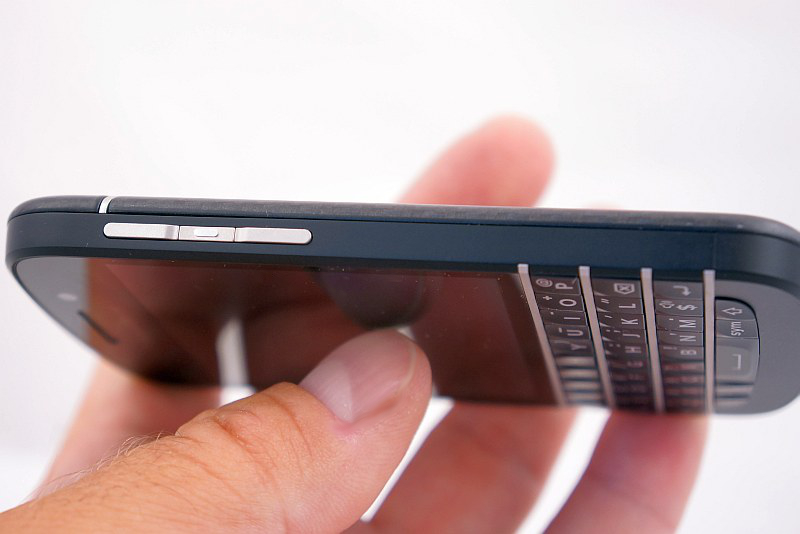
The initial configuration of the phone is quite simple and we can reduce it to start broadcasting only via Wi-Fi and configure e-mail accounts and social networks. The interface - although clear, simple and intuitive - feels not very "flexible" – there is little options of personalization. The number of rings and wallpapers is embarrassingly modest - but beyond them I did not notice serious deficiencies. It is worth noting the ability to change a size of the screen font and touch panels excellent work. In both cases, touch operation is supported by buttons on the narrow walls of the phone. On the top two models have a power button - activator, and the volume keys are on the sides separated by voice control activation button. I haven't found a possibility to change the function of that button.
 |
 |
 |
 |
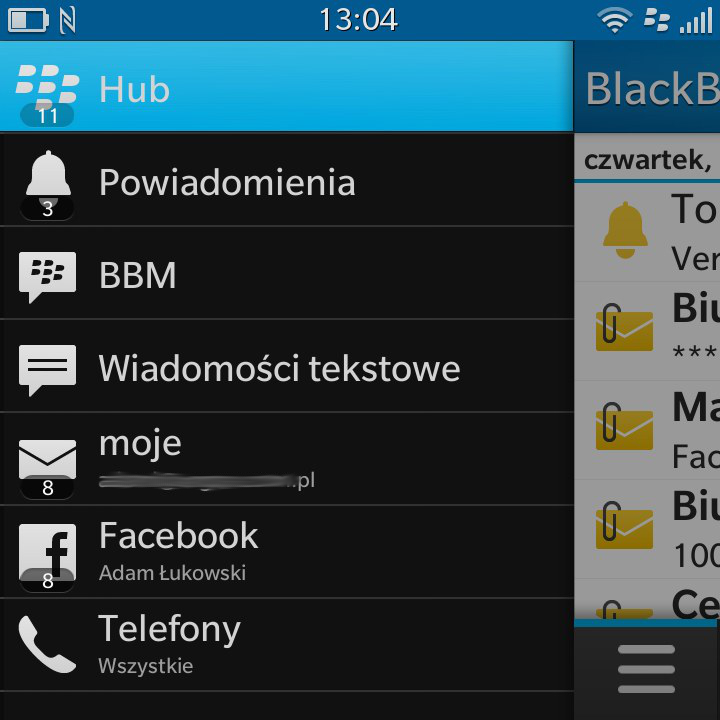
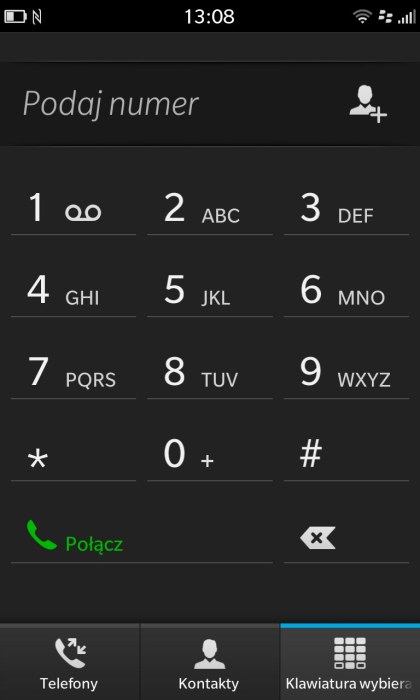
| Interface of BlackBerry Z10 photo: GSMchoice.com |
|||
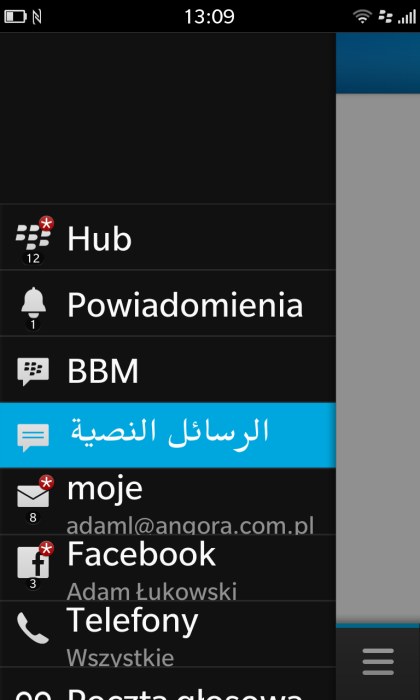
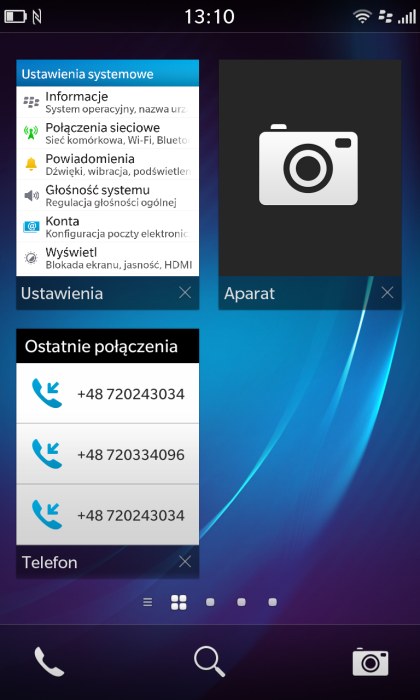
BlackBerry Hub is worthy of special mention. It's a separate menu, activated with a slide of a finger from the left to the right side of the screen. BB Hub is a place where all the notifications go. On one list, we find the last e-mails, test messages or BBM, missed calls or information from social networking sites. Clicking on an event takes us directly into the application. I have not seen something more comfortable... I mentioned a moment ago about the mysterious BBM. This is BlackBerry Messenger - the application that allows you to communicate for free in real time, but unfortunately only between users of "Berries"... I do not like the fact that smartphones connected to the computer can not show up as a mass storage, requiring prior installation of BB Link. Without it, we will not gain access to the data from the phone, we will not even copy photos, which is allowed even by a very hermetic iPhone. I'd complain also about the speed of detection devices via NFC - connecting and sending a small file between the two "Berries" took more than two minutes, and a similar procedure for connecting with the Samsung or Sony mobile lasted even longer...
 |
 |
 |
 |
| Interface of BlackBerry Z10 photo: GSMchoice.com |
|||
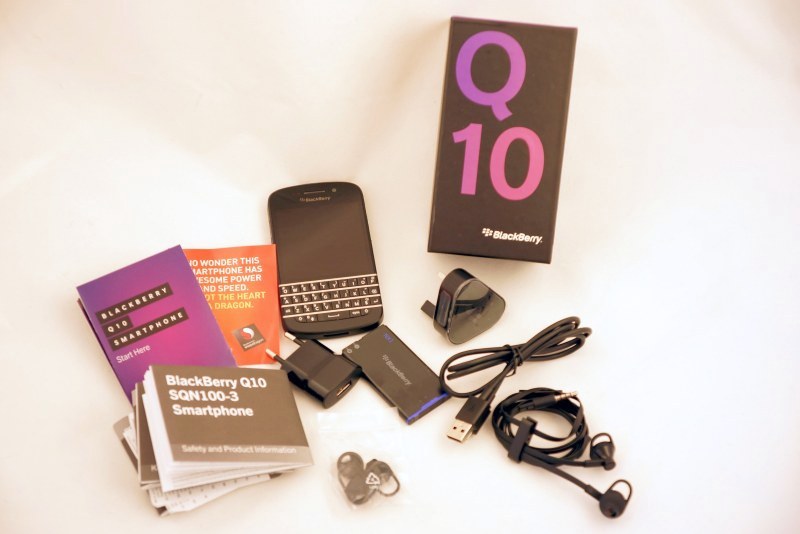
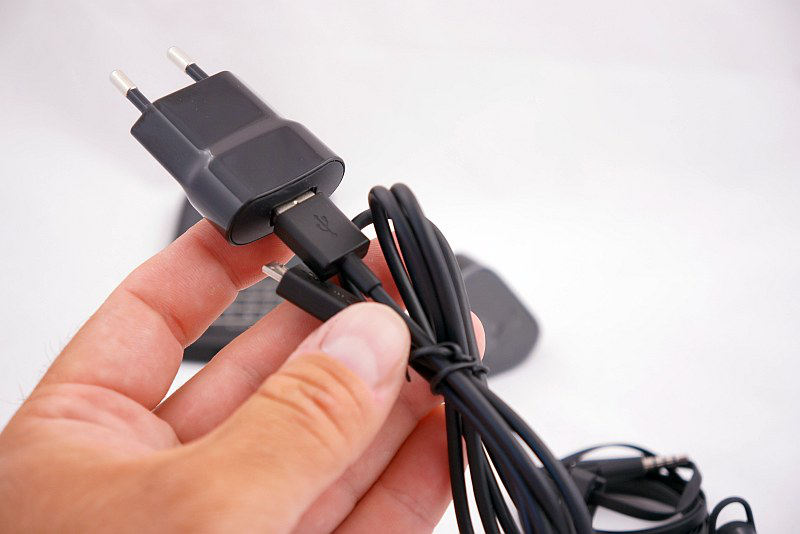
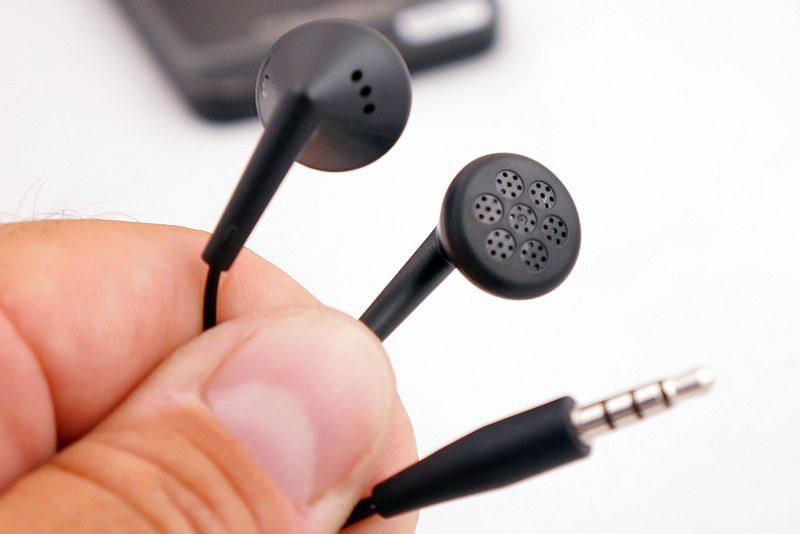
Let's take a look at the sets. In both cases they are similar and consist with a USB cable with two network adapters (GB and EU) and the simple headsets. Both have microphones on cables and call handling keys, but the handset added to BlackBerry Q10 presents definitely better. In the boxes there are also documents relating to guarantees and brief pictorial instructions concerning the use of the phone and the interface.
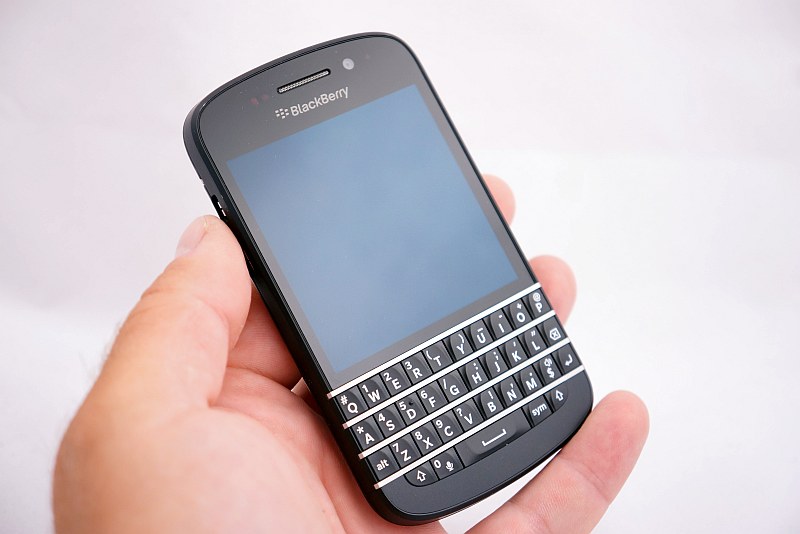
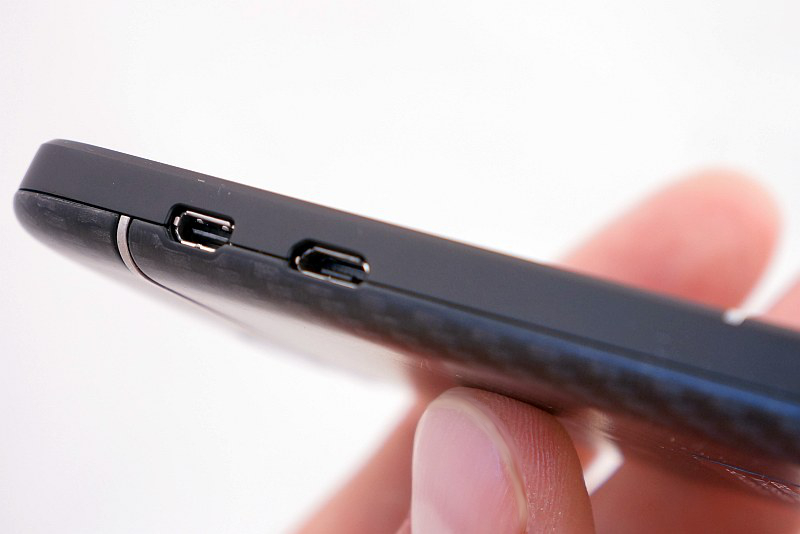
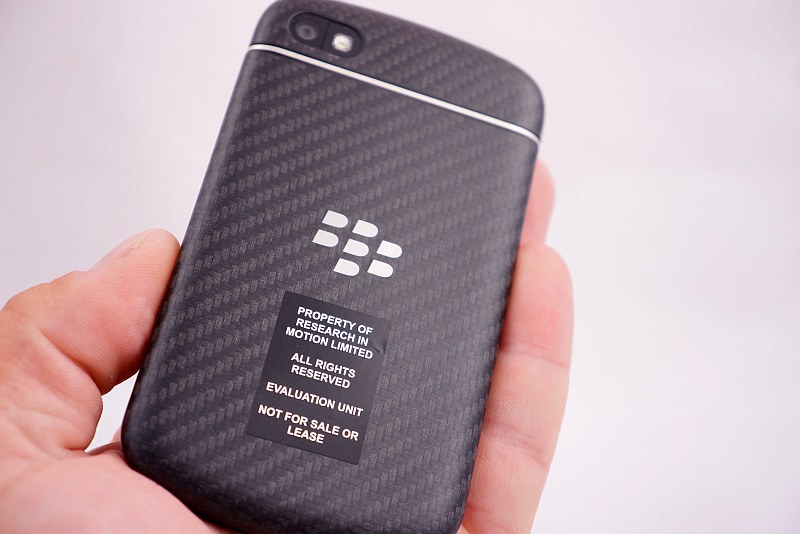
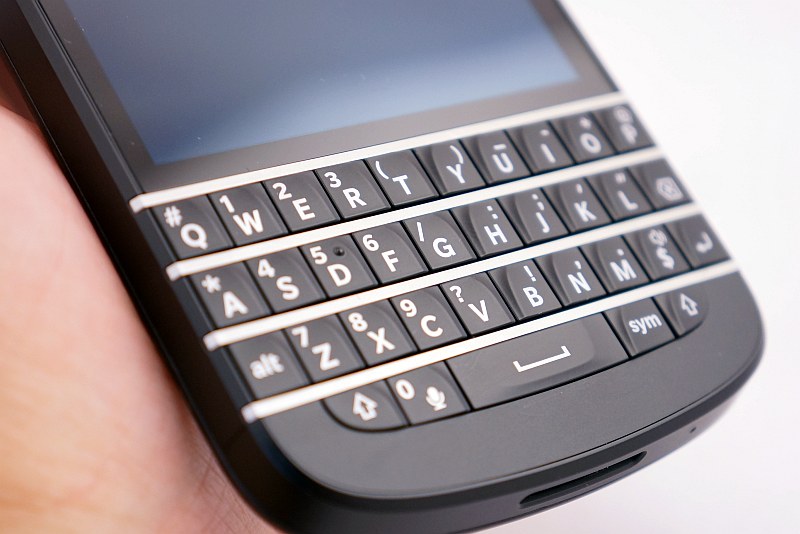
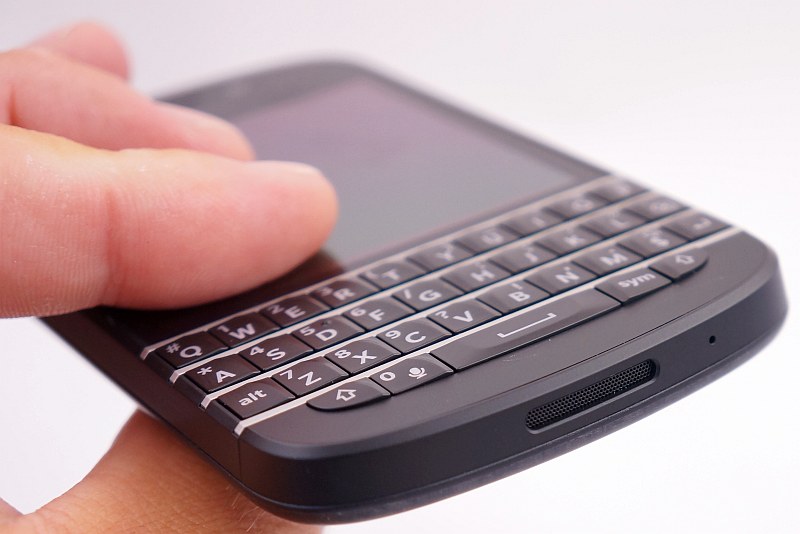
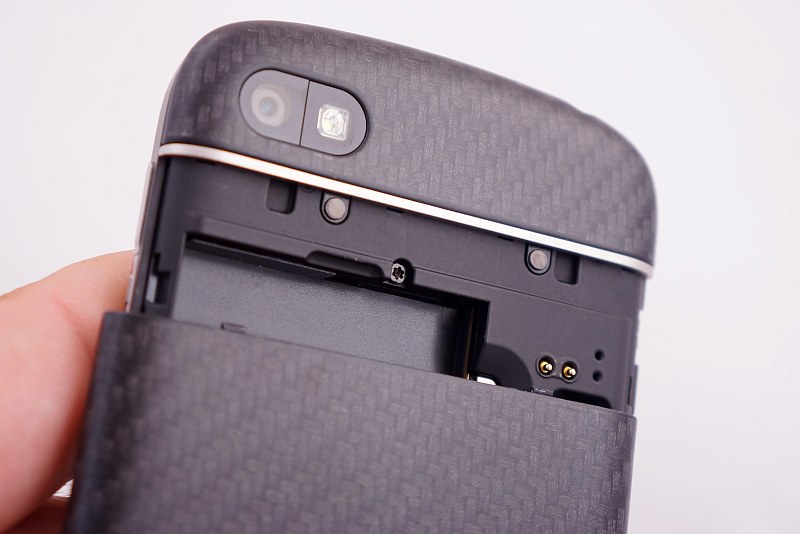
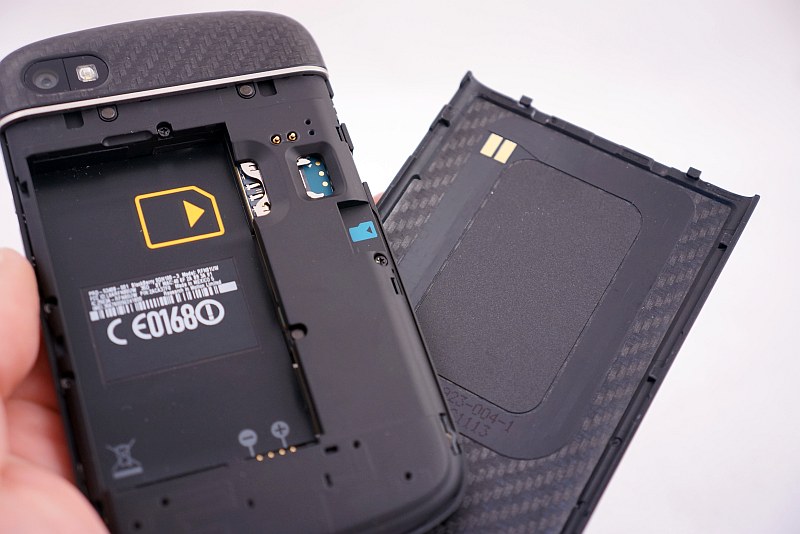
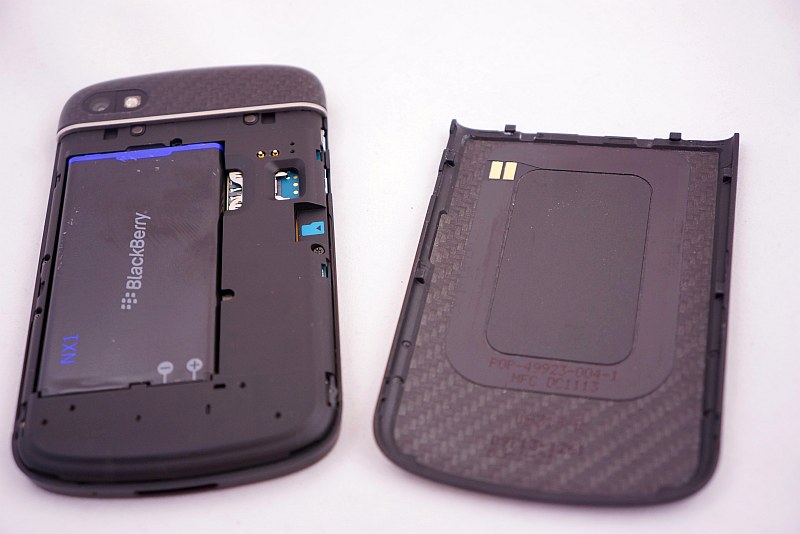
It's time to look at the phones. I'll start with Q10, which thanks to its form, can be called a classic BlackBerry. The phone has a bit old-fashioned ratio, it is quite wide and not too light. It fit decently for my large hands, but I'm not able to enter text with one hand. While the thumb touch panel operation is possible, whereas typing with small buttons - not anymore. Although the size of a single button is similar to the virtual keyboard of an average touch screen mobile, the casing's width makes typing with one finger is not comfortable - although theoretically feasible. My attention caught the reliable casing and its excellent construction. The back cover is finished with a Kevlar braid, the front and inner body is made from durable plastic. The casing appears to be solid and durable. The display has an optimum resolution for its size, and its assets may also be: high brightness, showing pleasing colours and good black levels.
 |
 |
 |
 |
 |
 |
 |
 |
 |
 |
 |
 |
|
| BlackBerry Q10 photo: GSMchoice.com |
|||
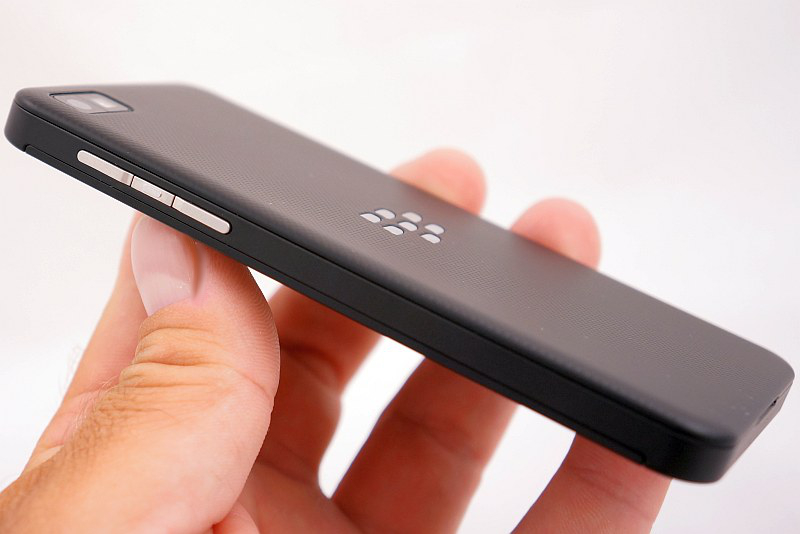
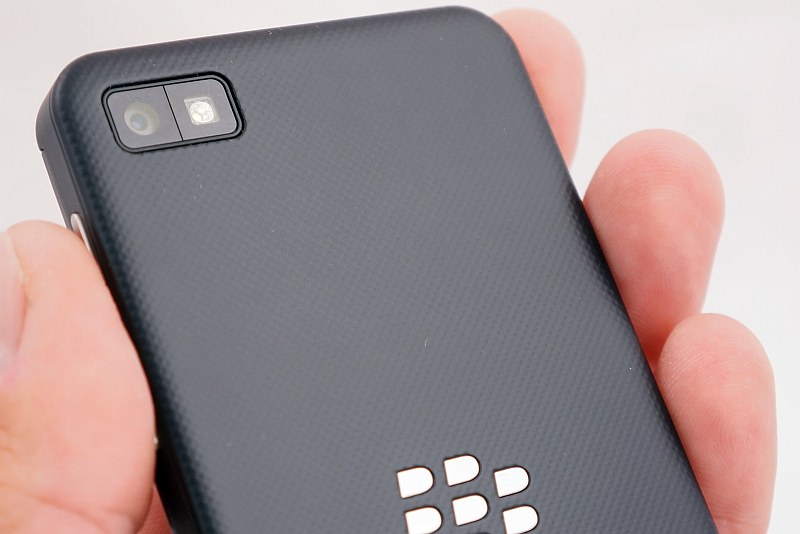
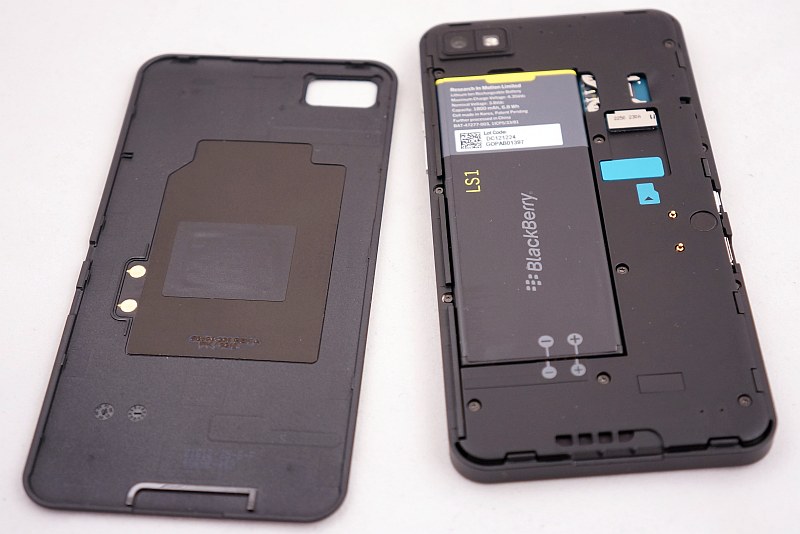
BlackBerry Z10 also features a robust design, right weight and perfect finish. Here, however, instead of Kevlar, we can find on the back a rubber-like coating that provides an excellent grip. In my opinion, Z10 lies in the hand a little better, and in addition, operating it with one hand does not cause any trouble. The display has the same advantages as that in Q10, but it is certainly noticeably bigger. Unfortunately, it also has a wide - as for these times - frame, which has an influence on the aesthetics of the device. This frame forms the part of the touch panel, but - does not look good. Z10 style in my opinion is a bit boring, but it is a matter of taste.
 |
 |
||
| BlackBerry Z10 photo: GSMchoice.com |
|||
 |
 |
 |
 |
 |
 |
 |
 |
 |
|
| BlackBerry Z10 photo: GSMchoice.com |
|||
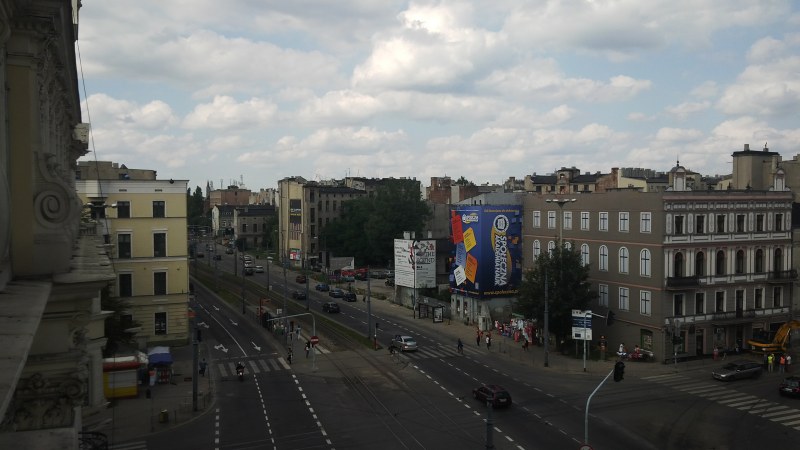
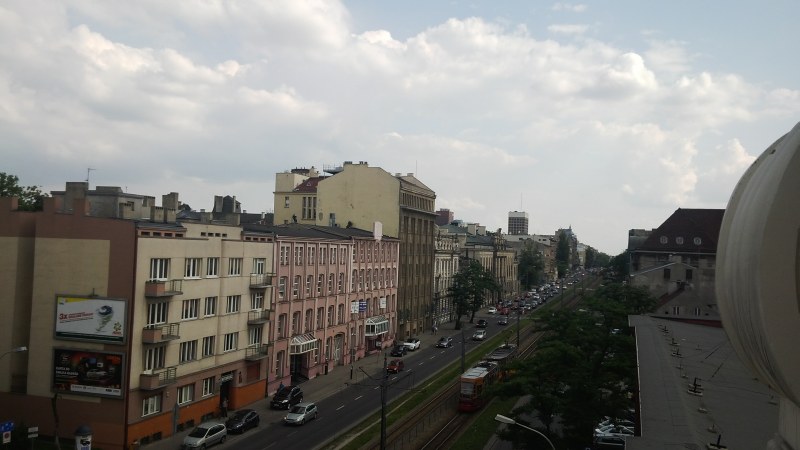
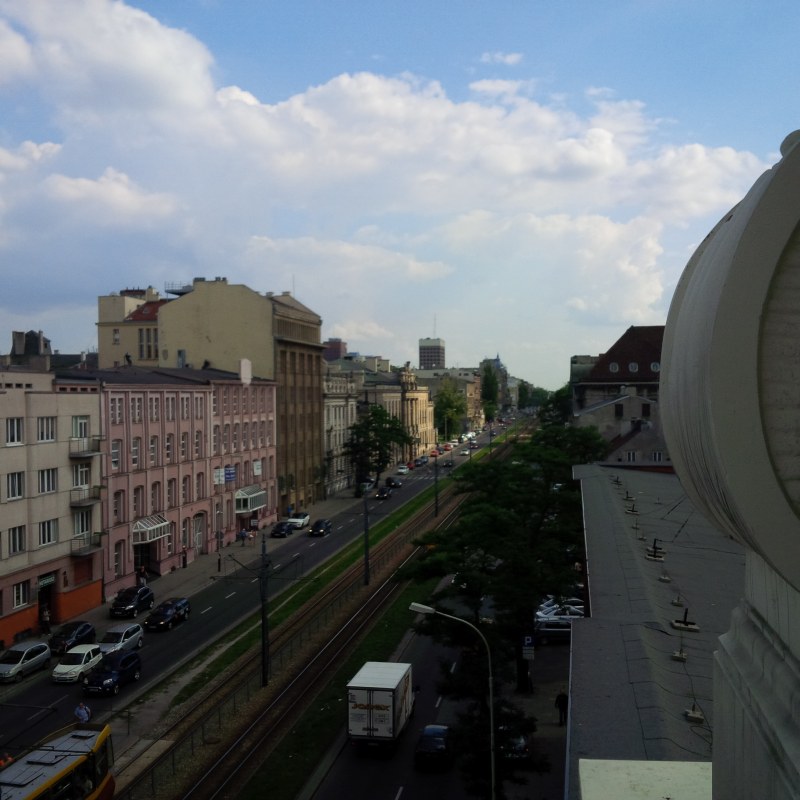
If I had to choose between the two models, I would have a real problem. I'm used to the touch mobiles, so I opt more for Z10. However, Q10 seems to me to be more stylish, it also has a much better headphones... And photos? Both take them in comparable quality. The difference is only that BlackBerry Q10 can take photos in 1:1 square format, and Z10 - only 16:9 or 4:3. Take a look:
 |
 |
 |
|
| Photos from BlackBerry Z10 photo: GSMchoice.com |
|||
 |
 |
 |
|
| Photos from BlackBerry Q10 photo: GSMchoice.com |
|||
| Videos recorded with Q10 and Z10 video: GSMchoice.com via YouTube |
|||
8 megapixels, Full HD recording, sluggish performance of auto focus and tolerable quality of shots with zoom - the first insights into the cameras of both "Berries". I'll tell more in the individual reviews. I've had both smartphones for several hours, so I cannot say anything yet about the battery life. For now - after the setup and learning the system - the performance of both batteries look good and without surprises. Q10 has a bigger battery and definitely will be working longer, which also indicates the current state of charge.
Now it remains for me nothing else but to invite you to read the reviews of both models, which I hope to publish in the next two weeks. If you want me to draw attention to something, check some function or one particular aspect of BB - write.
Source: GSMchoice.com