Packaging and accessories
In the box with the smartphone, there is a charger (9V 1,8A / 5V 1,2 A), a USB-USB-C cable, a needle for opening the tray for SIM cards and earphones.
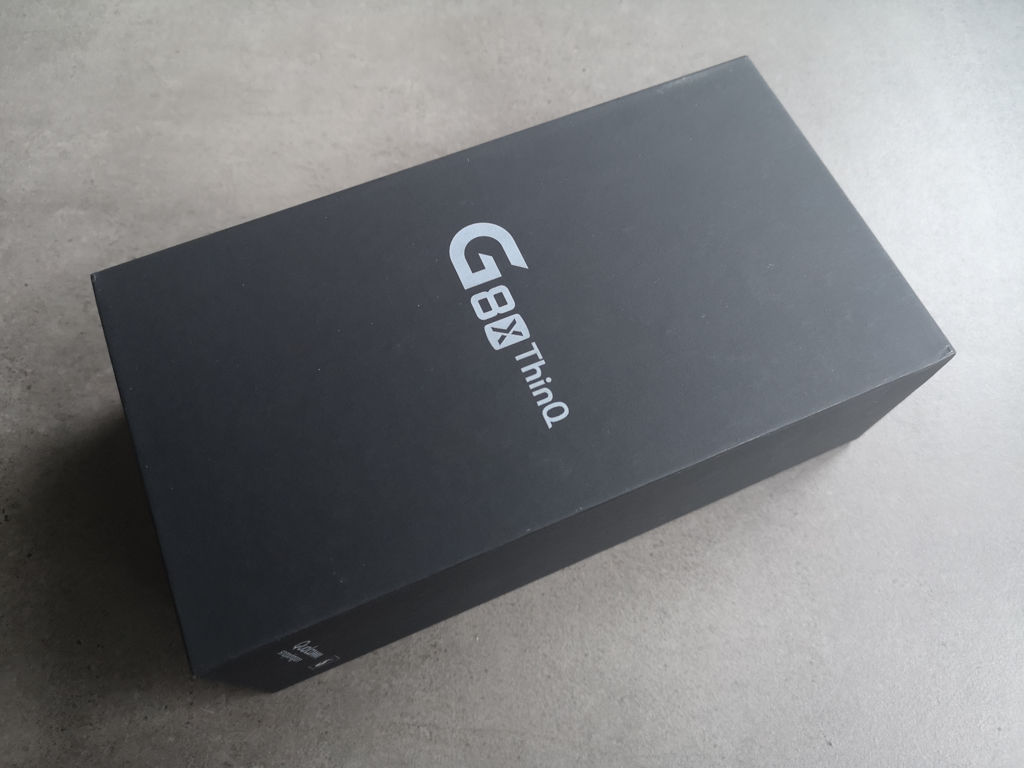
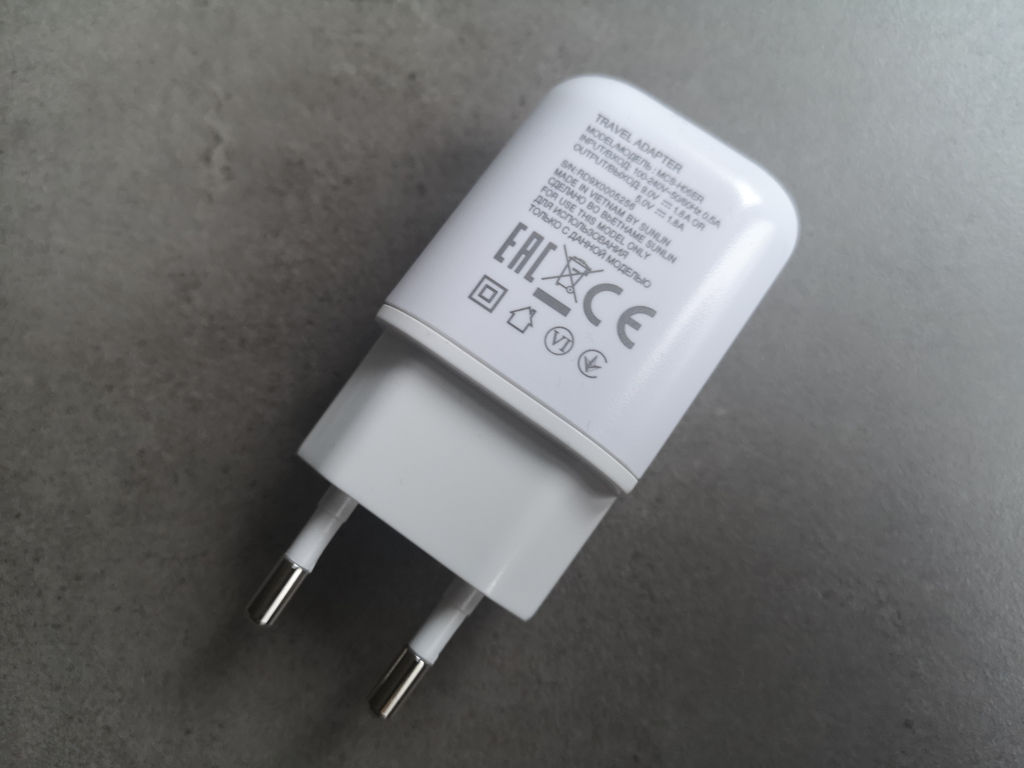
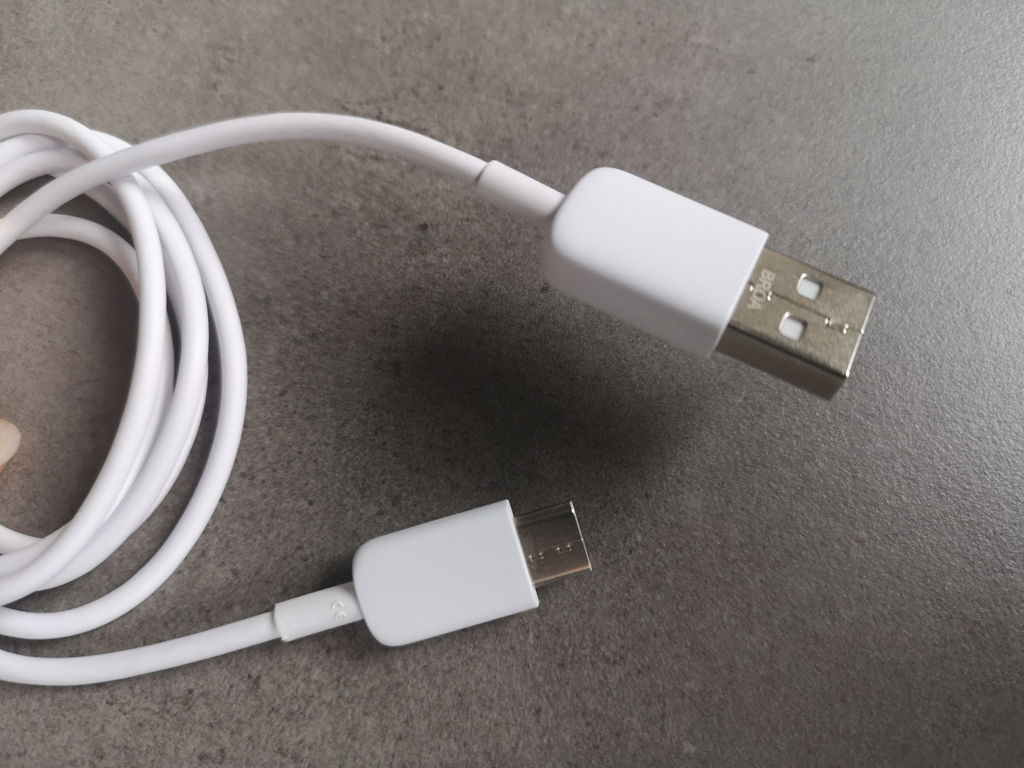

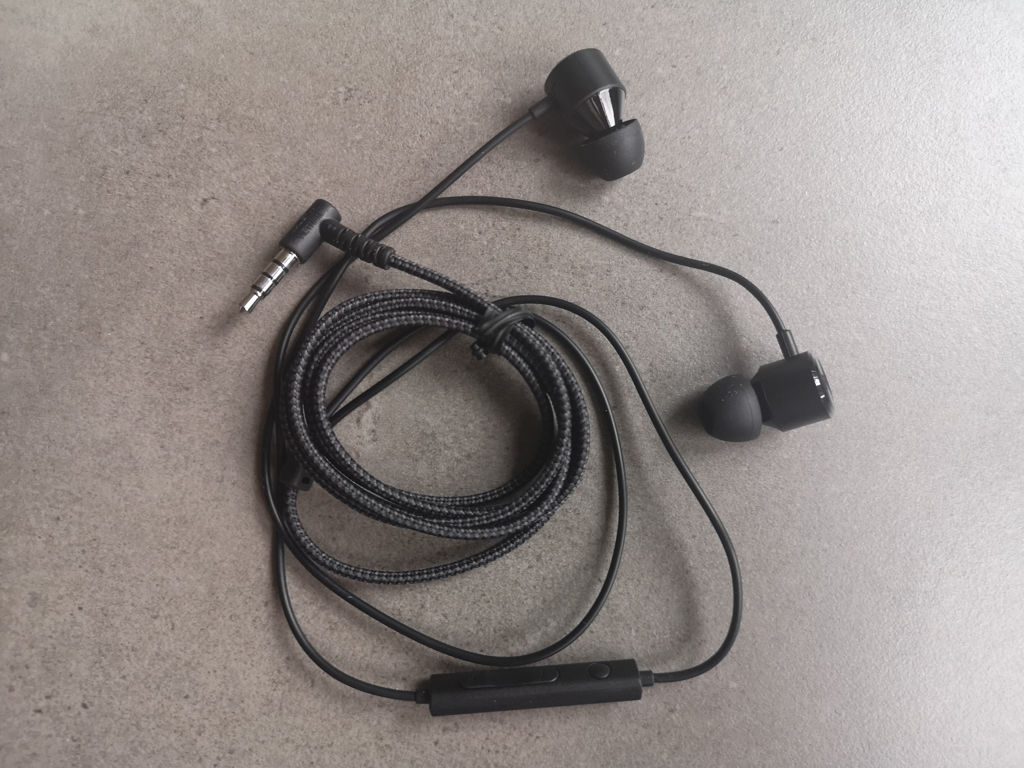
photo: Jolanta Szczepaniak/GSMchoice.com
Besides the accessories mentioned above, there is a silicone cover, which can be helpful when we want to use LG G8X ThinQ without the LG Dual Screen cover.
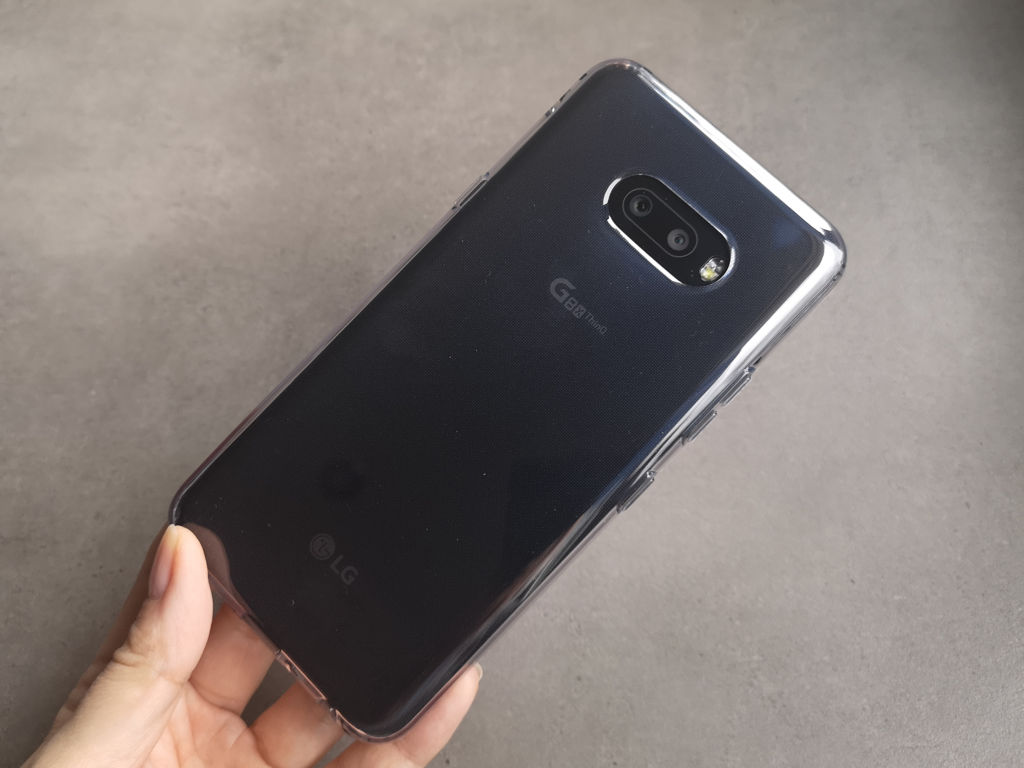
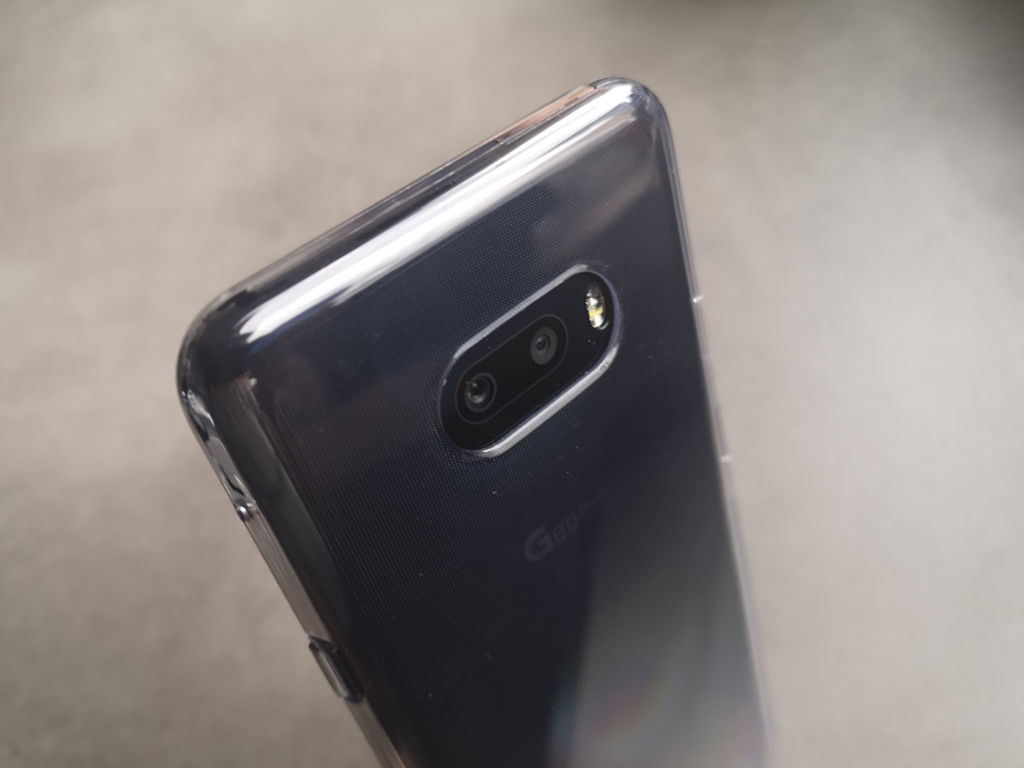

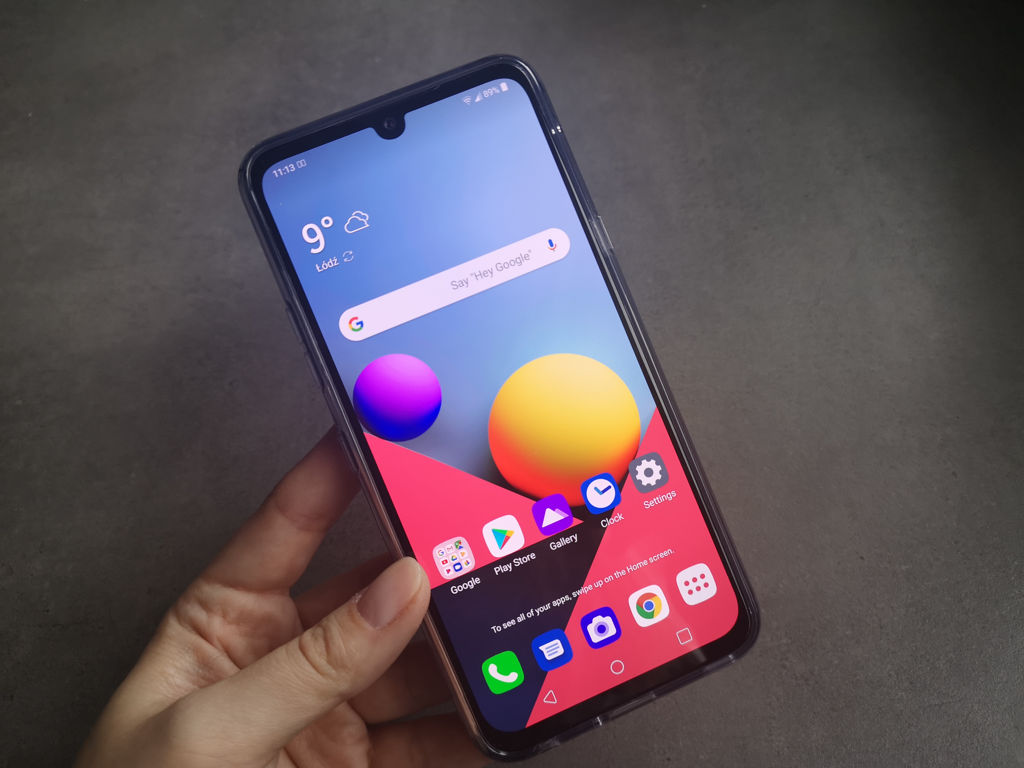
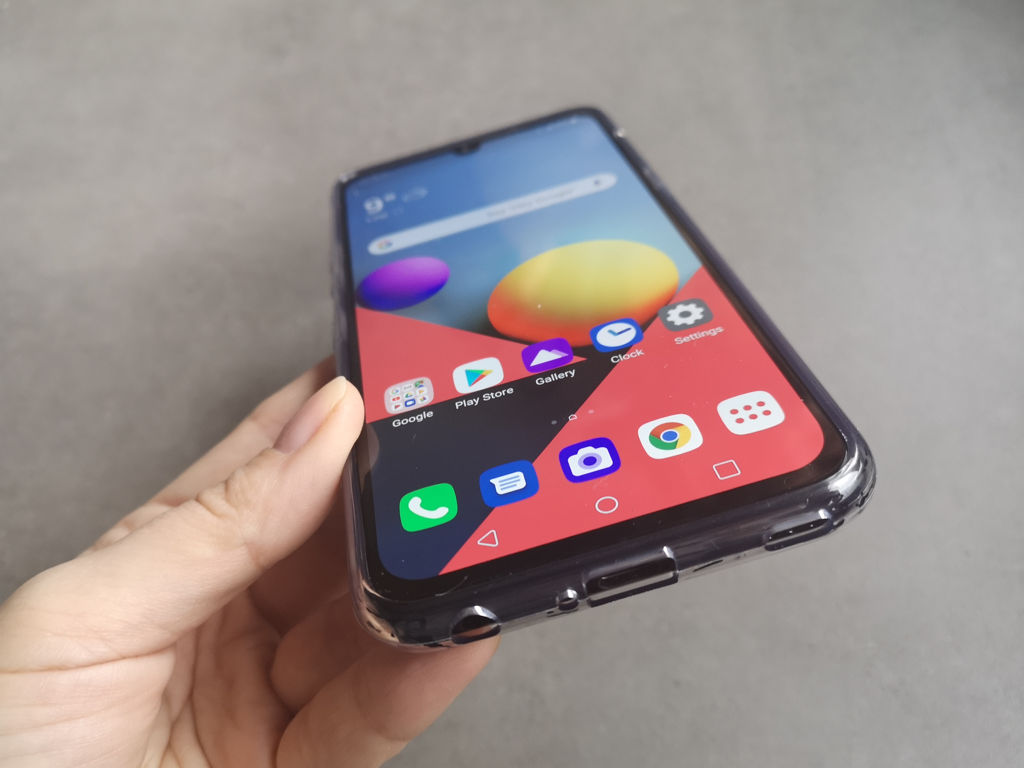
photo: Jolanta Szczepaniak/GSMchoice.com
Dual Screen
Dual Screen is basically a more advanced cover for the phone. One part is an additional display, the second one has a space for the smartphone. Inside there is a USB-C socket, in which we place the smartphone. We can enjoy two screens basically right after placing the smartphone in it. There are no major problems with accessing buttons, there are appropriate holes for the external speaker and the minijack – though in the latter the plug must be a straight one (those in the “L” shape cannot be used). The accessory with the plugged in smartphone can be charged with a magnetized charger – an appropriate adapter can be found in the set. After closing the cover the smartphone locks itself automatically and the display goes off. Basically, after placing the smartphone in Dual Screen we receive a rather large device – with a large weight (over 300 grams) and thickness.

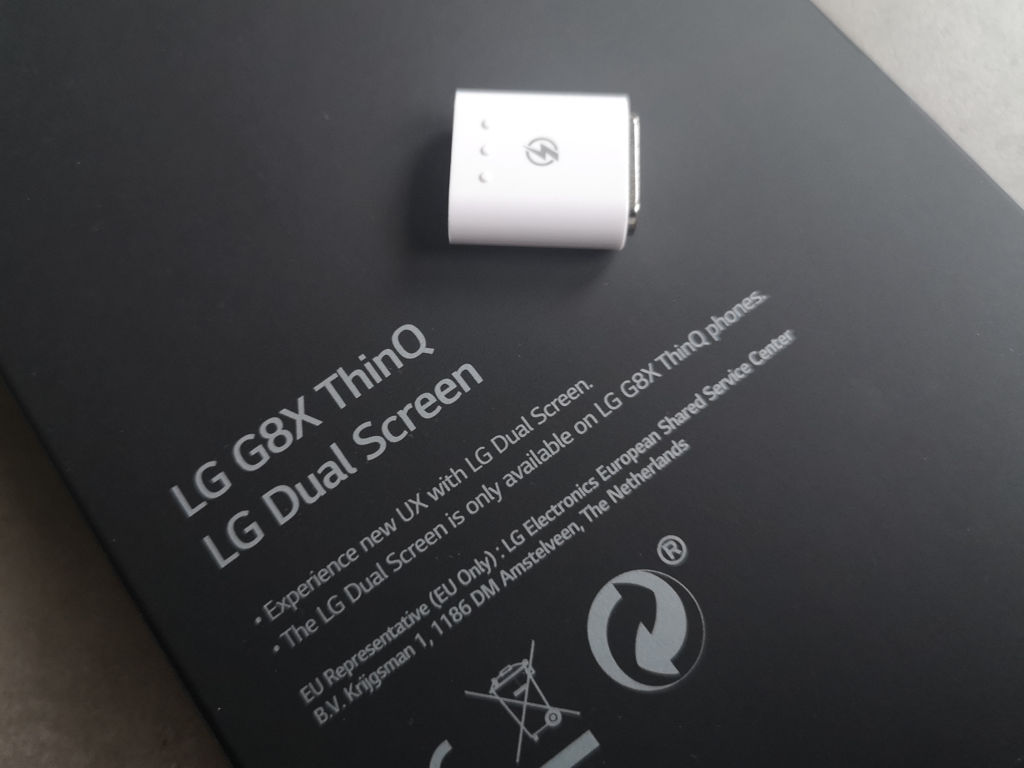
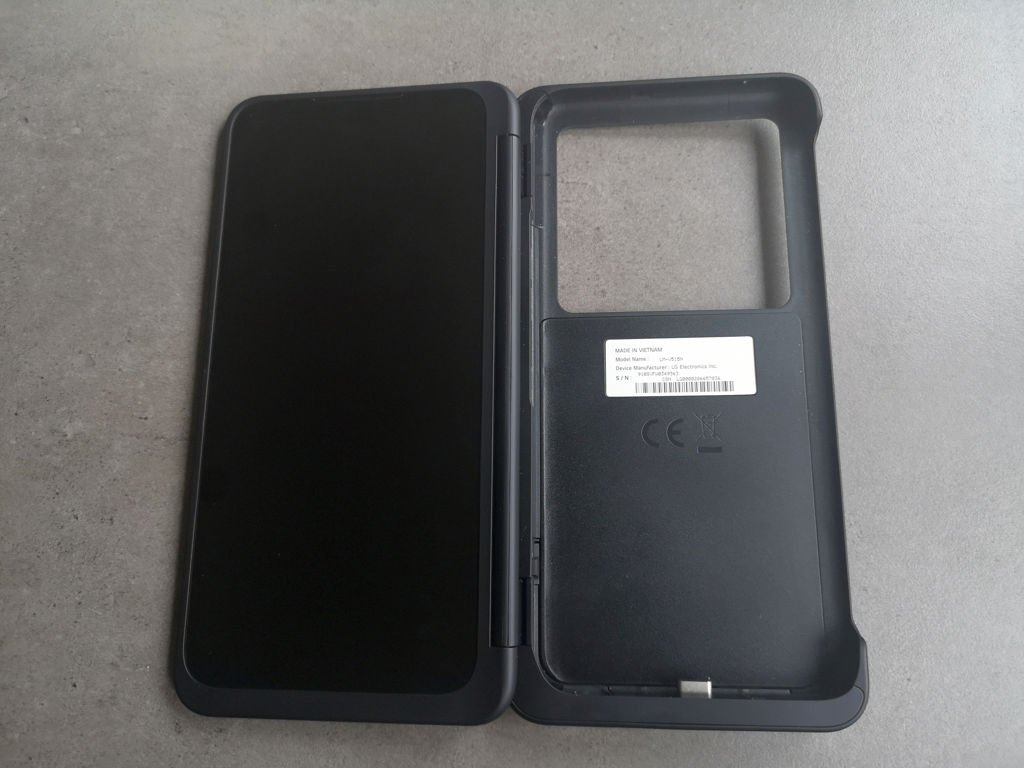
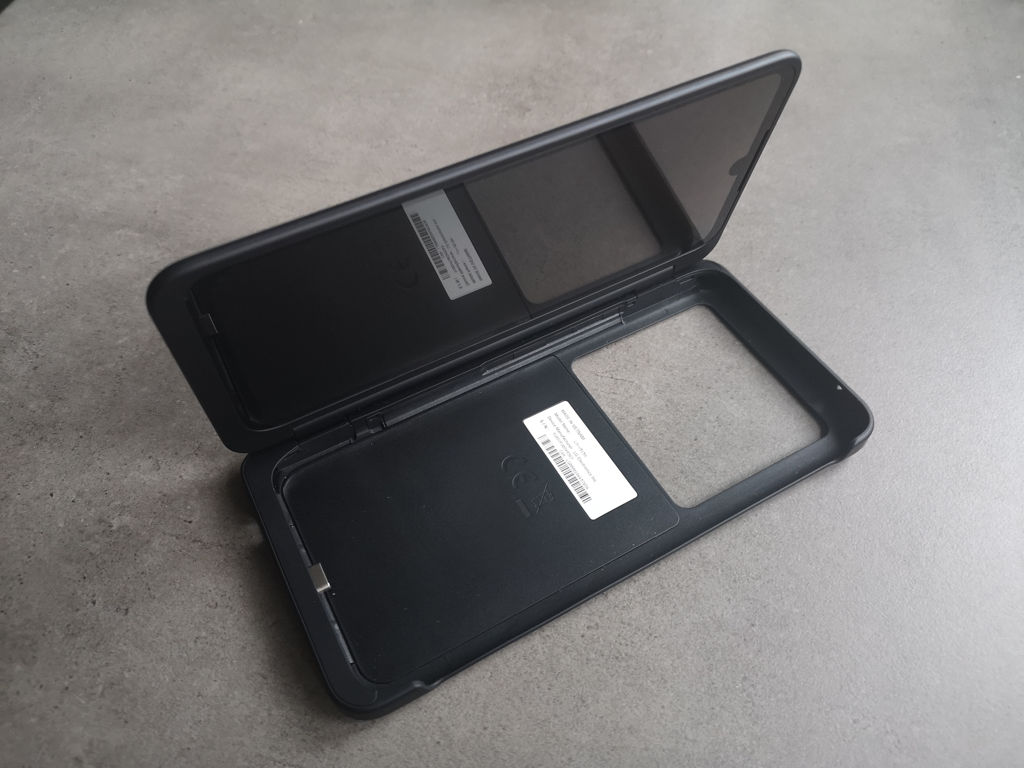

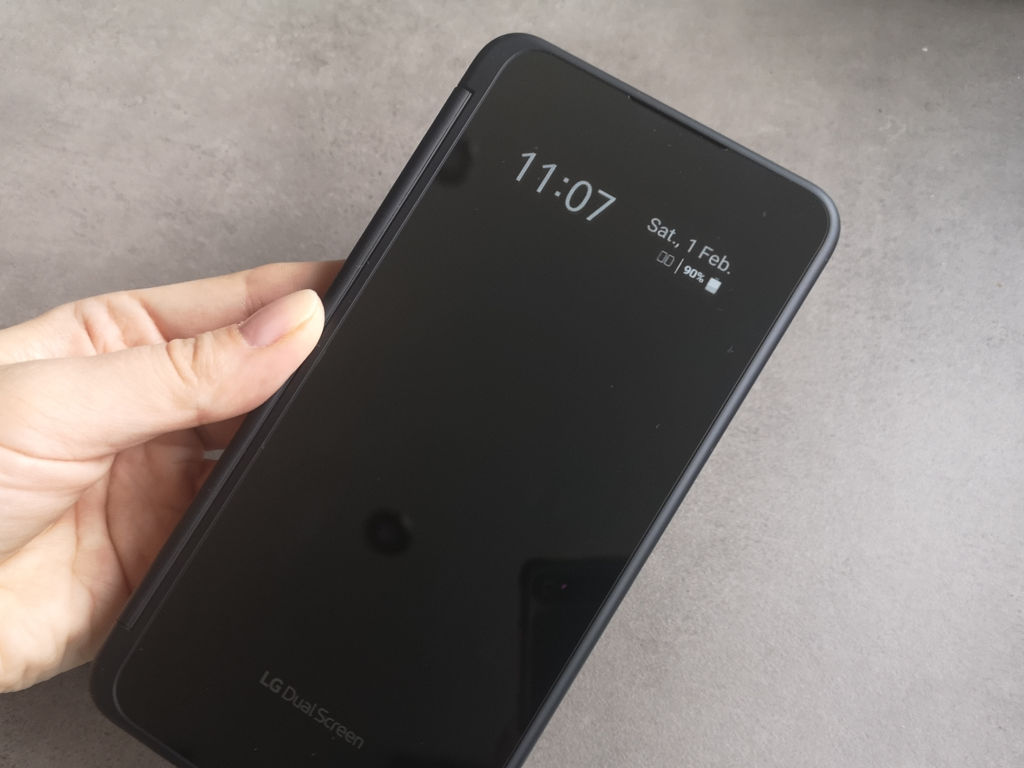
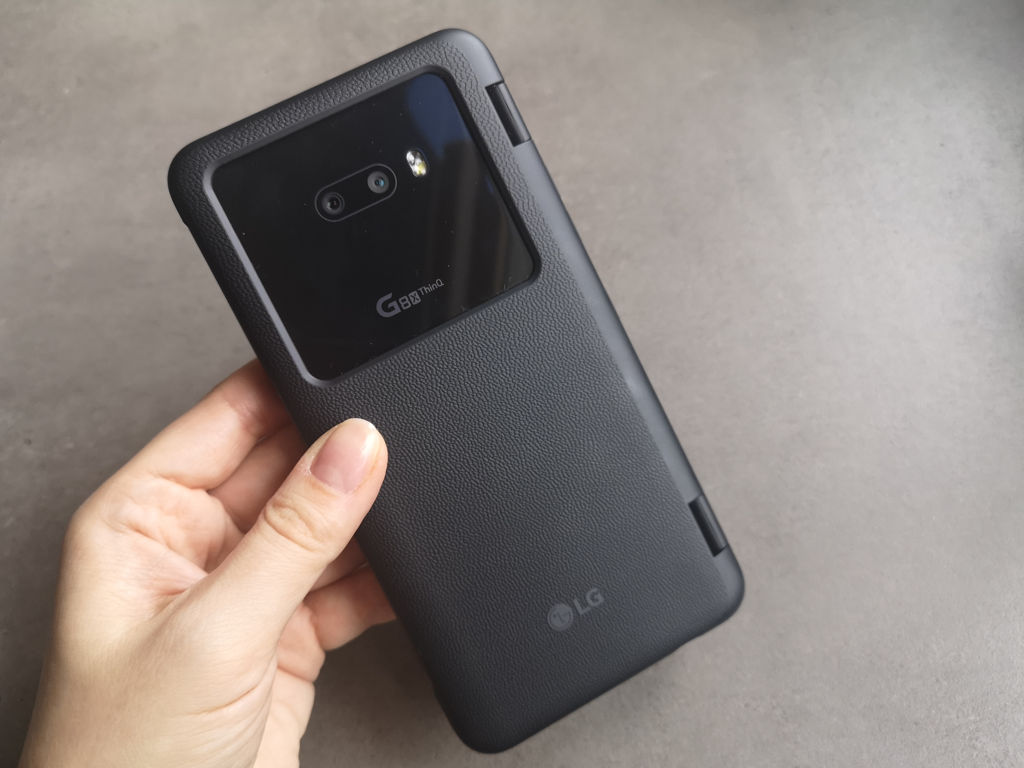
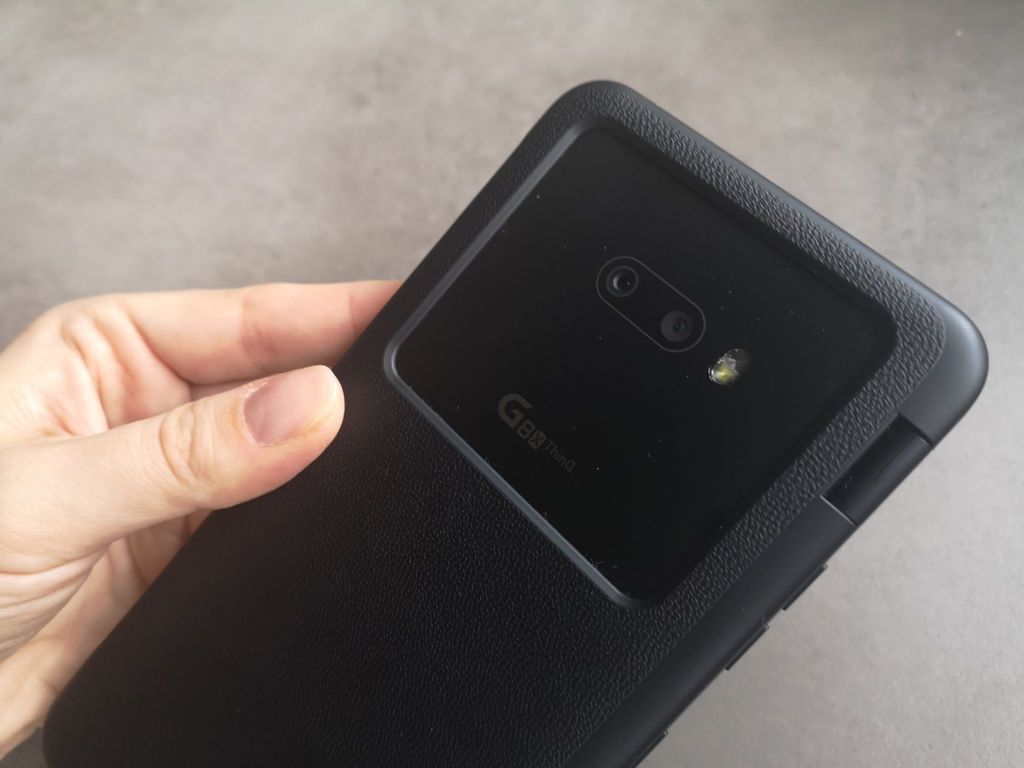
photo: Jolanta Szczepaniak/GSMchoice.com
Dual Screen has a small, monochromatic display at the front, which shows the hour, date and basic notifications. It will activate once the power button will be pressed and it shows information for 10 seconds. This is a glass panel and it is moderately resistant to scratches. It can work as a mirror without any problems and it catches fingerprints almost instantly. The rest of the cover is a decent plastic with a surface imitating a leather.
After opening the accessory we see the display that has identical parameters as the smartphone’s display – this is a 6,4-inch OLED with a 2340x1080 pixels. The strangest thing is that the additional screen has a notch as well, which does not have a slightest sense – there is no front camera, so the whole surface could have been used. Maybe it was to preserve the symmetry, but I think that most users would prefer to get rid of the artificial notch and use the whole surface. The display can have an individually set brightness and colours synched with the smartphone’s display – but we can clearly see, that these are different screens, especially when it comes to the colours temperature – the additional screen is slightly colder. LG Dual Screen is powered by the plugged-in smartphone. It is worth adding that the additional display will be turned off when the battery level will drop below 15%.
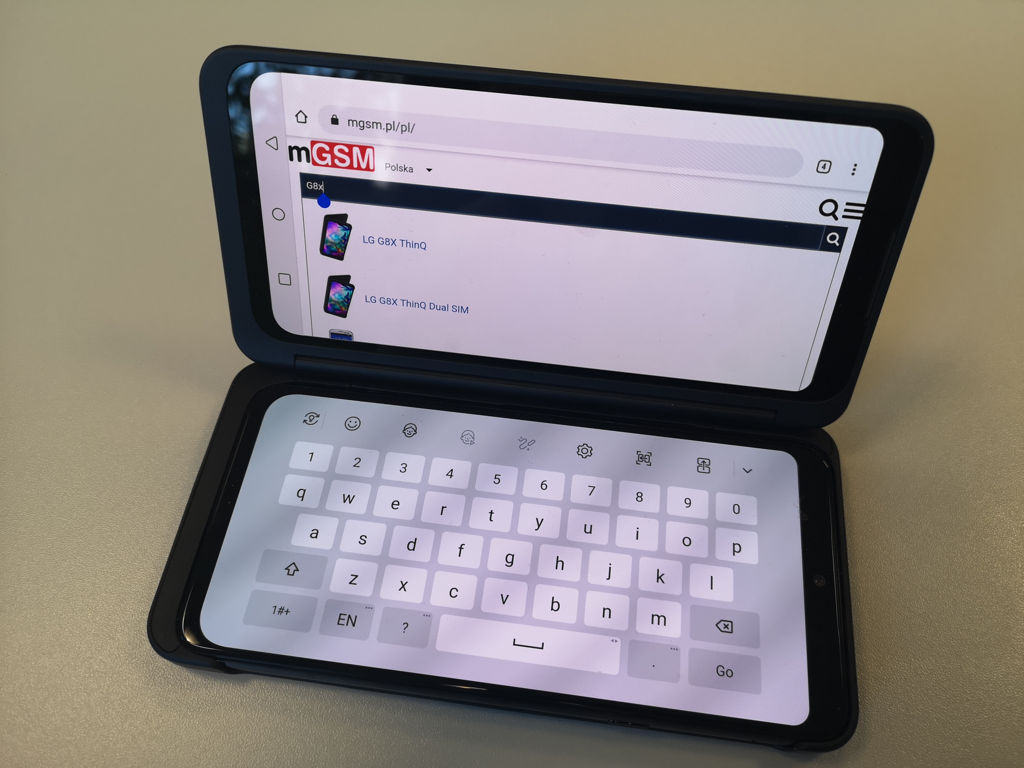
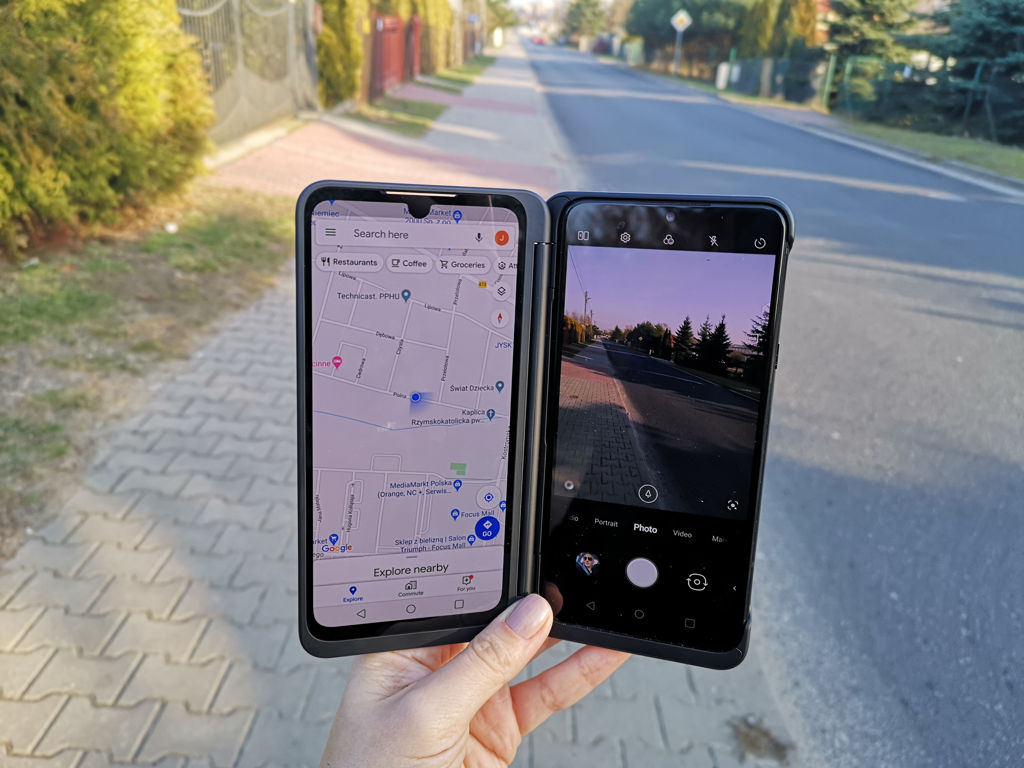

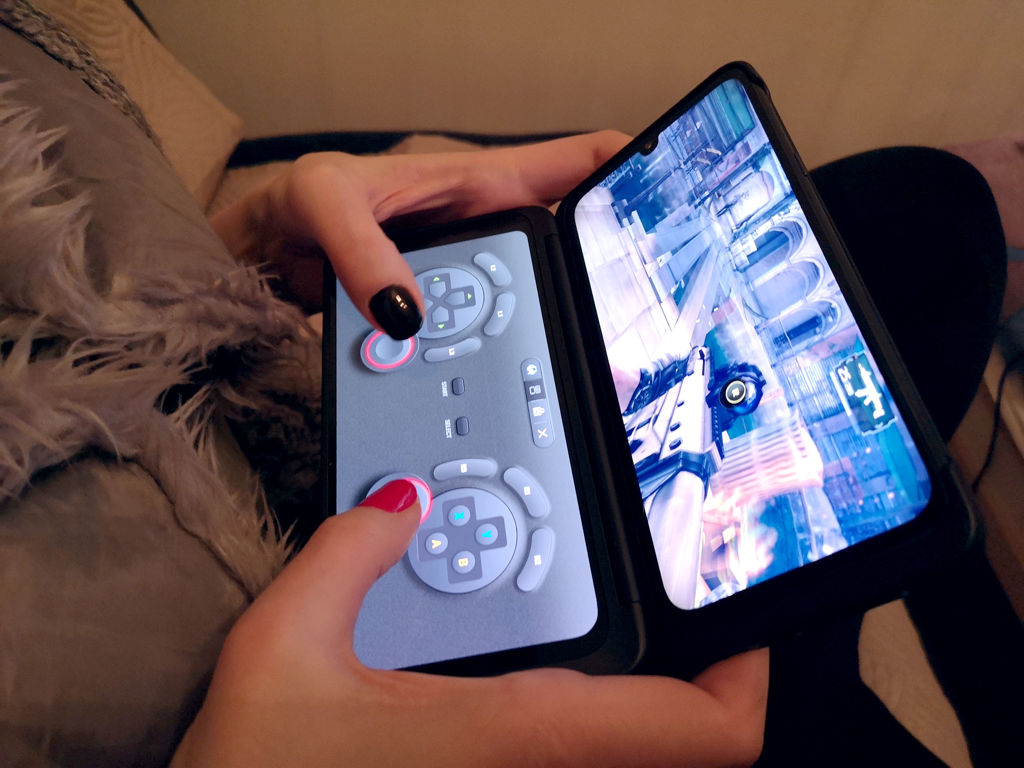


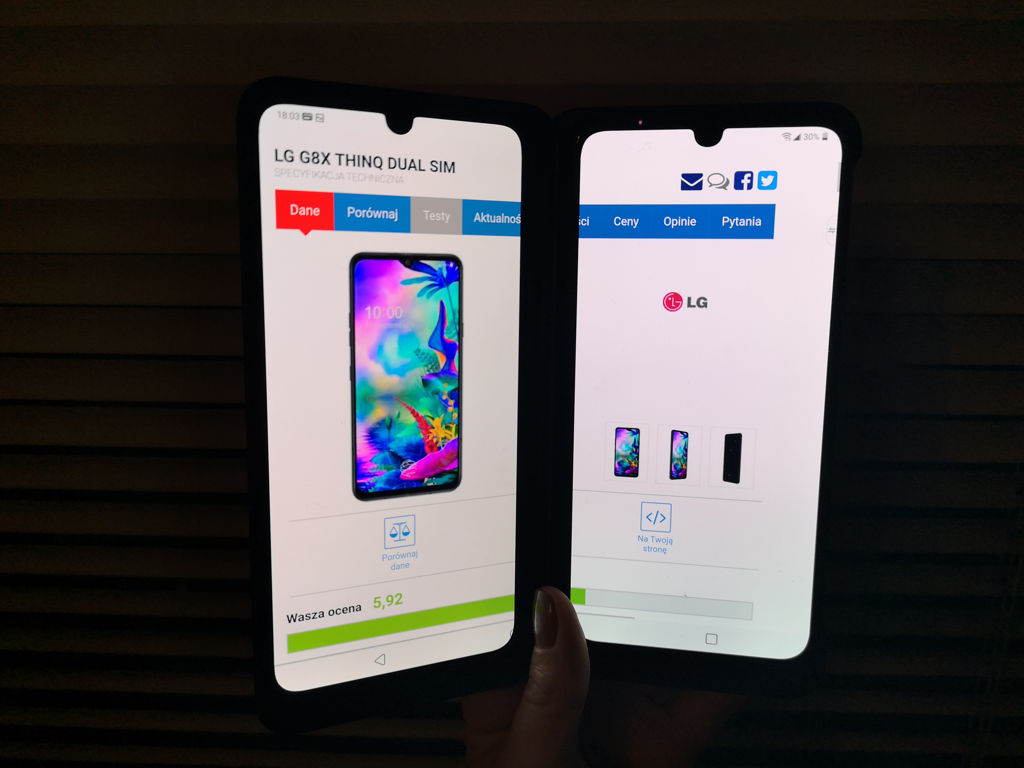
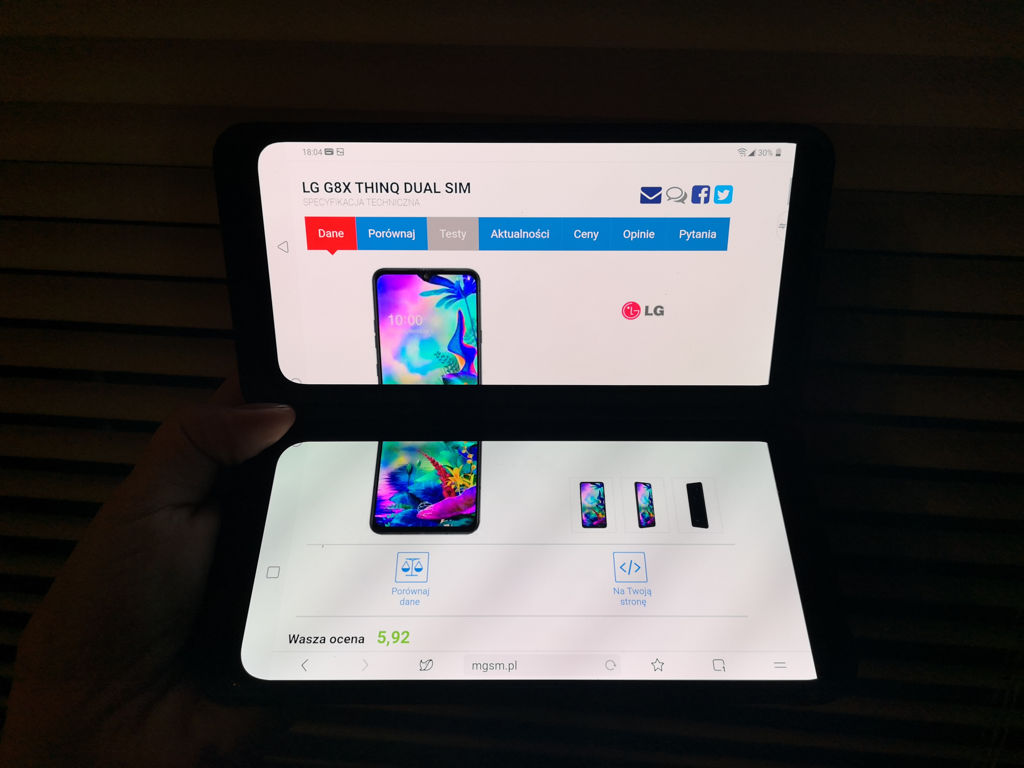
photo: Jolanta Szczepaniak/GSMchoice.com
The hinge connecting the smartphone with the additional display is solid and we can place devices in different positions (it can turn 360 degrees). It is best suited for simultaneously working and using multimedia – on one the screens we can view mails, respond to messages, use communicators etc., while on the second one we can watch a movie or a series. It will work great while gaming as well – we can switch one screen into a controller (LG Pad). The manufacturer provides its own controller solutions for platform or racing games, but we can create our own pad by setting virtual buttons and their size according to our preferences. It enhances typing as well – every app that uses a keyboard can work in the laptop mode that is it can display the QWERTY keyboard on the full screen. Besides multimedia, gaming and typing, there are many more applications – it all depends on our needs.

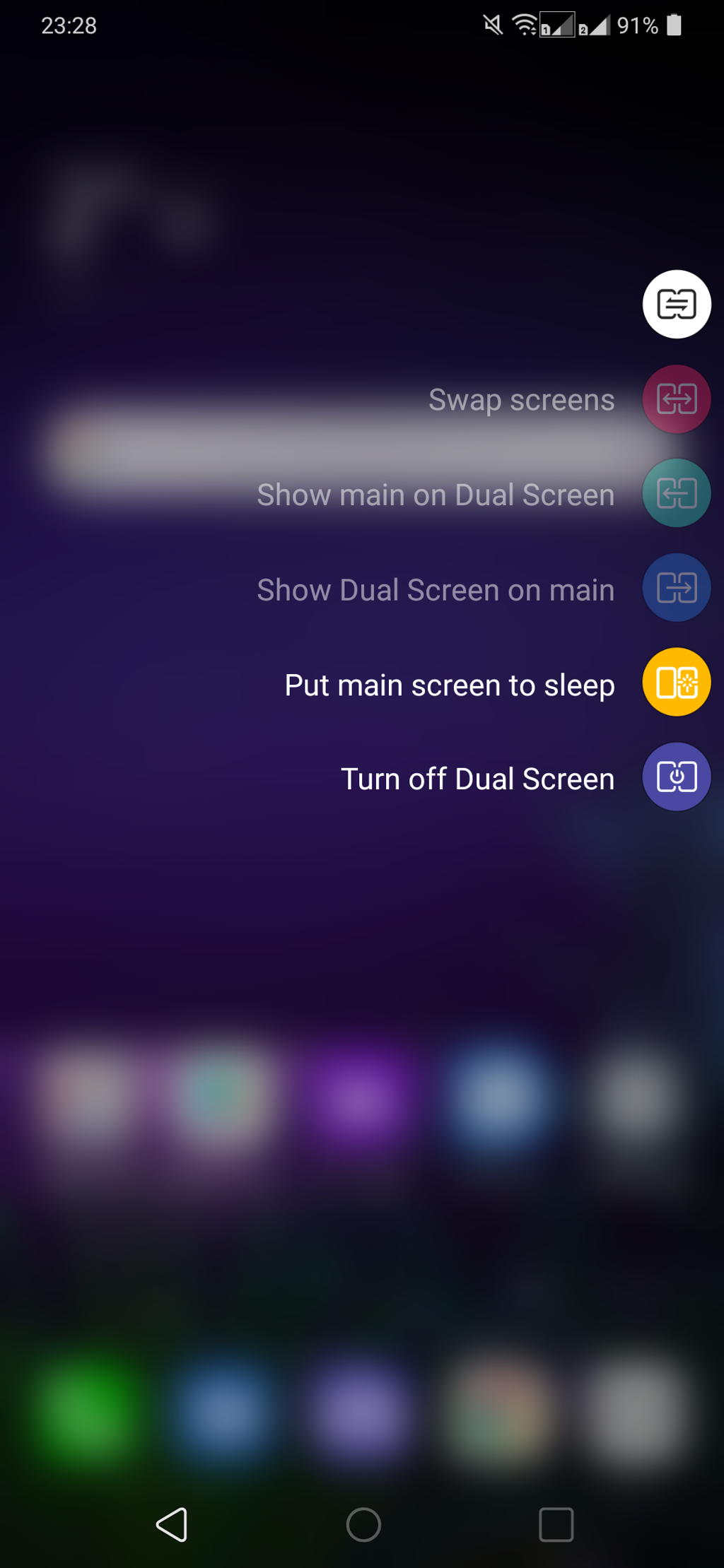
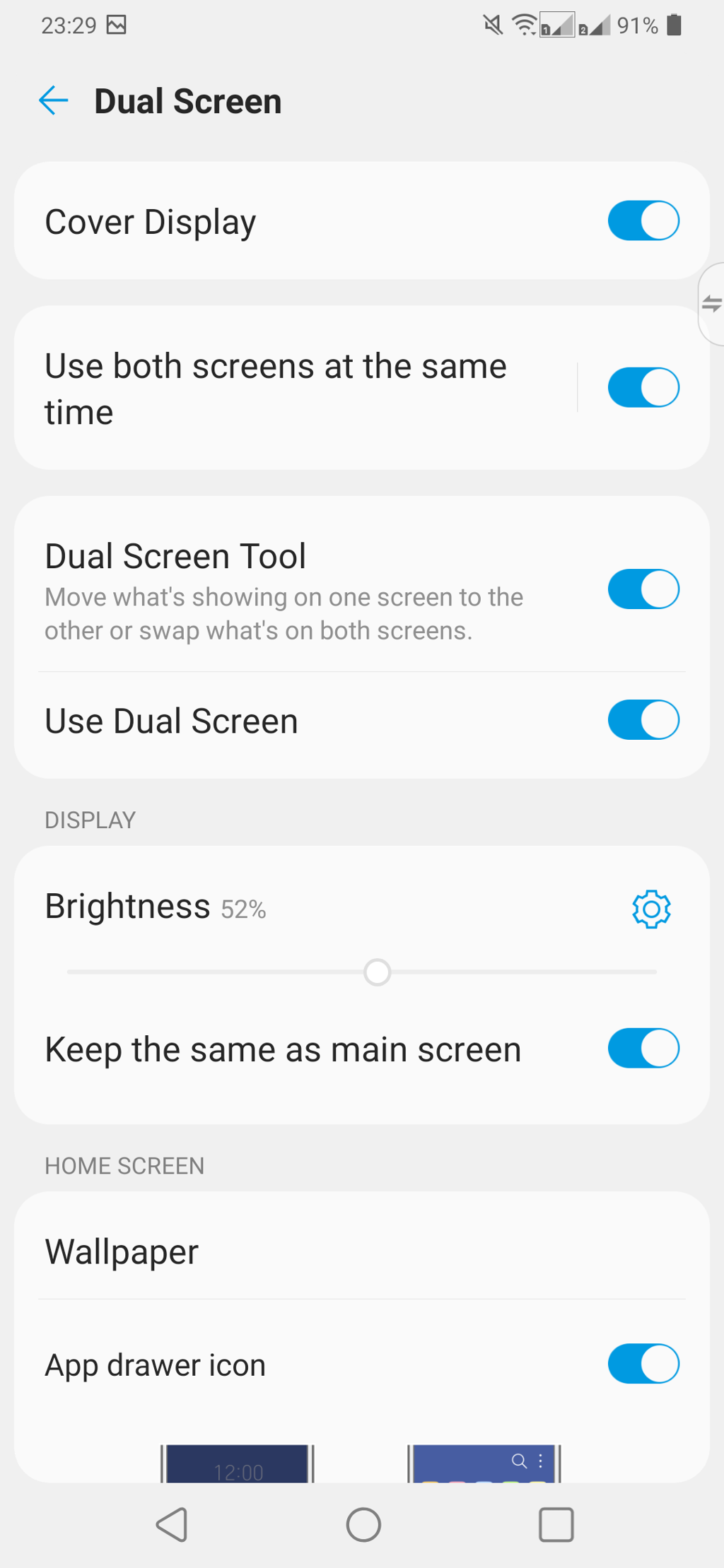
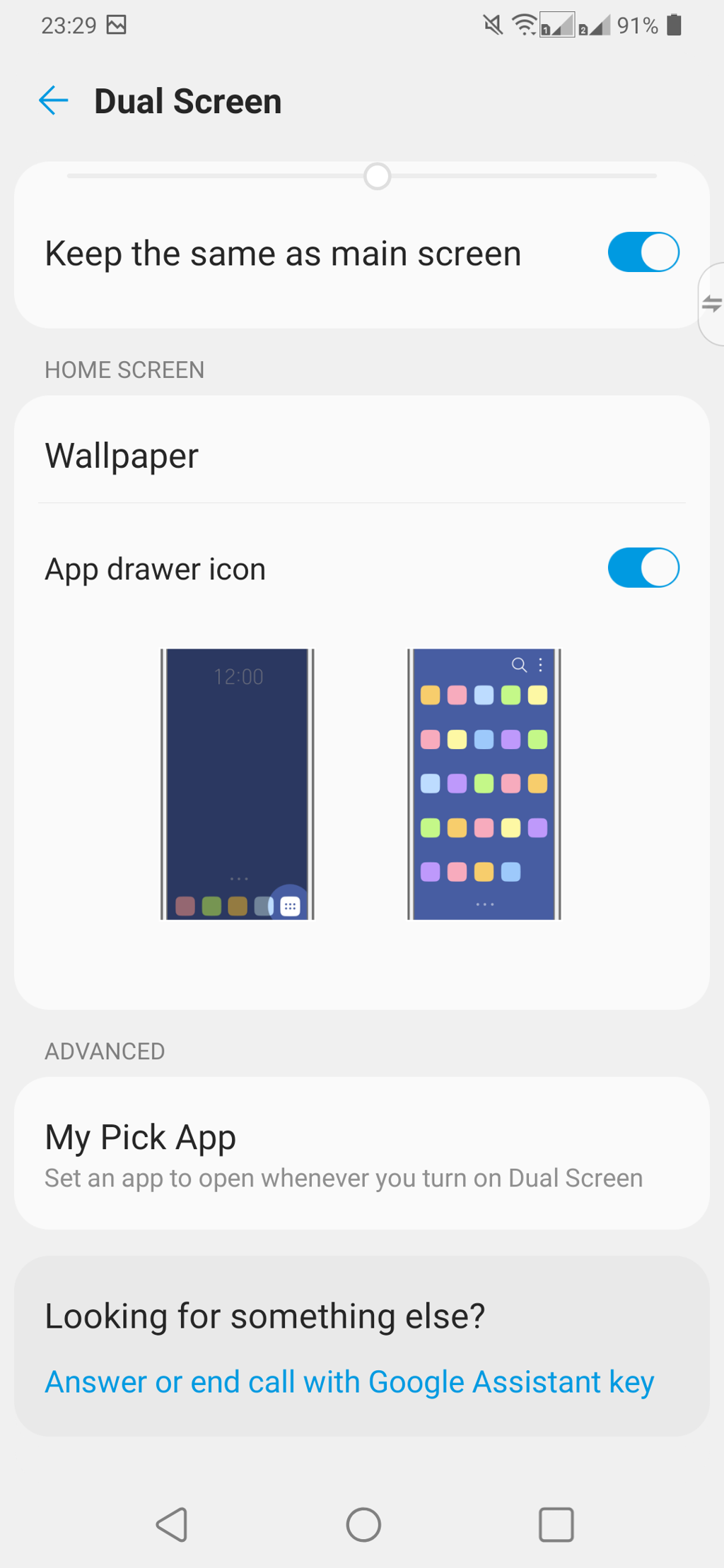

photo: Jolanta Szczepaniak/GSMchoice.com
Two screens next to each other will not create a single space, they are separated by the hinge and bezels, so we must treat them as two separate displays than a single, enlarged space. Due to this fact the user can display different materials and make different activities on the left and on the right display. LG prepared an appropriate app (the particular icon is displayed on the screen, and tapping it will show a context menu with the set of basic utilities), thanks to which we can control the content displayed on both displays. We can set an app that will automatically run after turning on the second screen, we can switch displays, select a different wallpaper, display apps in the menu or on the main desktop or swipe apps between screens using a characteristic gesture – by swiping three fingers in the direction of the screen on which we would like to see the selected app.
Housing and display
The smartphone looks exactly like LG G8 ThnQ - it has a glass front and the back, connected by a metal frame. Everything is dark and shiny - G8X is an elegant device, though it is difficult to keep it clean – it attracts fingerprints. In addition, it is slick – it can slip out of our hand and it slides on not entirely flat surfaces. But it has a high quality of construction and a high durability – glass panels are enhanced by Gorilla Glass 6 at the front and Gorilla Glass 5 at the back.
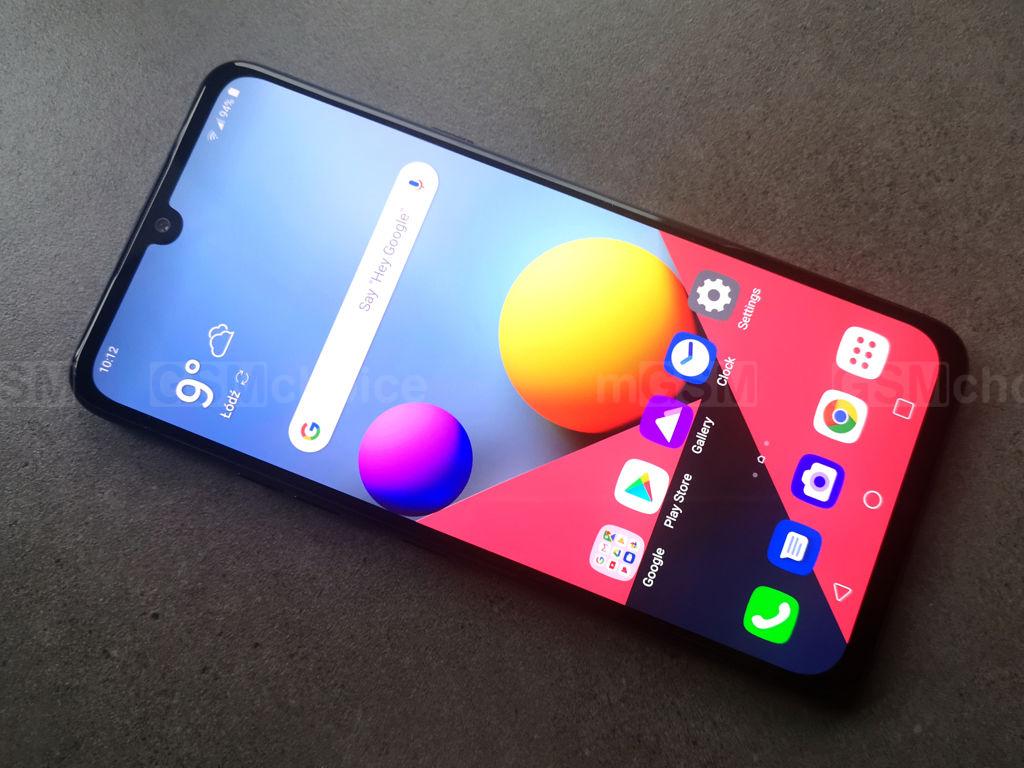
The display of the G8X model is a great FullVision OLED with a 6.4-inch diagonal and a 2340x1080 pixels resolution, which gives a pixel density on the level of 403 ppi. The screen’s ratio is 19.5:9, it is worth adding that it supports the HDR10 technology. Displayed contents look great, the brightness is on an appropriate level (and with the maximum one the display will be perfectly readable even in the full sunlight), colours are bright and vivid (we can additionally modify them in settings in seven predefined modes) – I do not have slightest concerns towards LG G8X ThinQ in this matter. There is a blue light filter, night mode and the Always On Display function (it can be useful, because there is no LED flash, but it influences the battery’s lifespan).

The display is surrounded by a rather large (for today’s standards in top smartphones) bezel, which in its upper part stretches across the display in the form of a notch. It hides the selfies camera, and slightly higher, on the edge of the glass and the aluminium frame, we can notice the cavity that indicates the presence of the receiver. It is a part of the stereo system. It is worth adding that we can use the smartphone in glasses with polarizing filter – both in the vertical and the horizontal orientation.
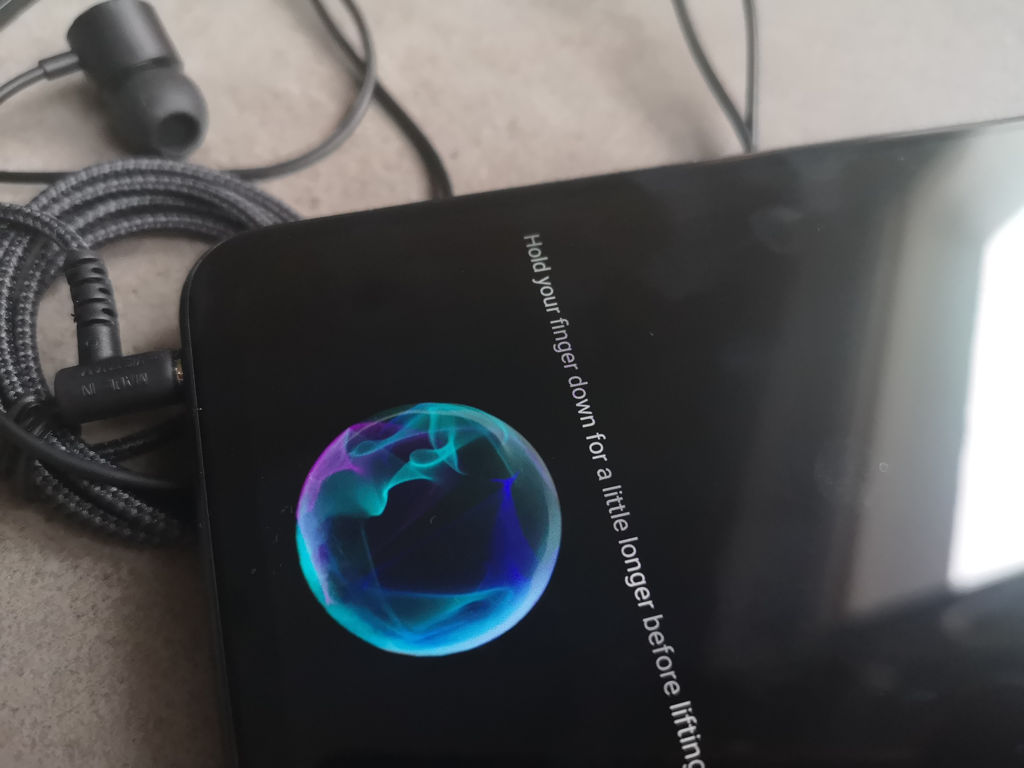
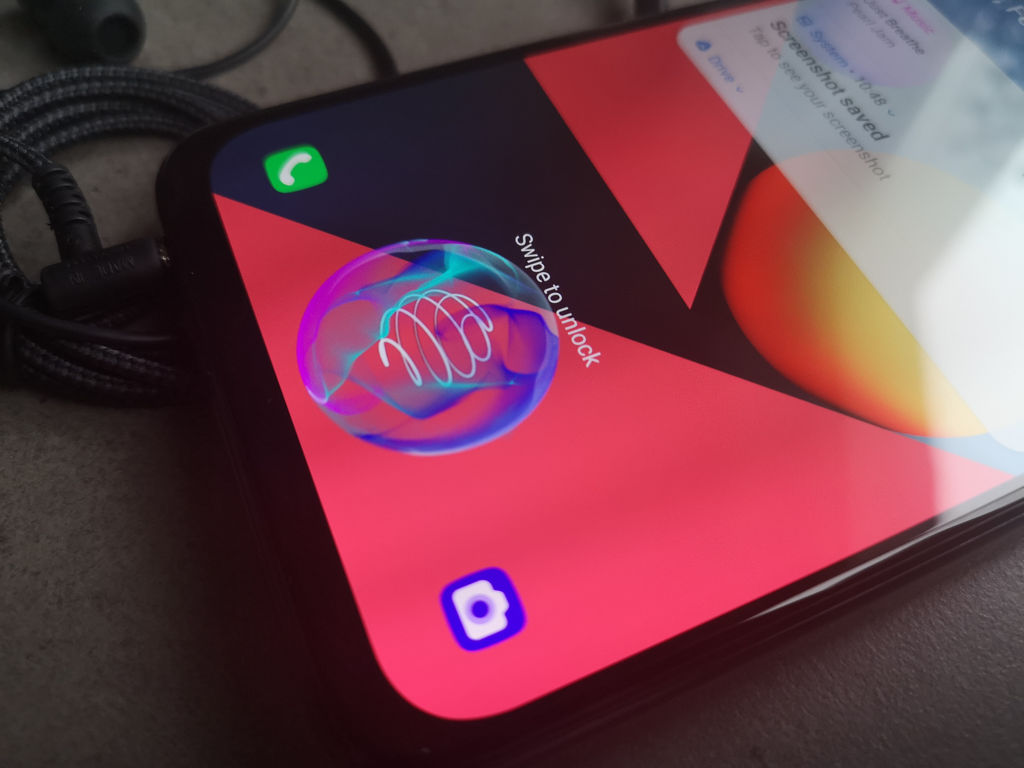
photo: Jolanta Szczepaniak/GSMchoice.com
The fingerprint scanner is placed under the display, closer to the lower frame. And though its location is completely standard, the work is far from ideal. We need to place the finger appropriately and for a long time in order for the smartphone to recognize it – otherwise, if we want to do this too quick, the smartphone will not be unlocked. And mostly for this I would prefer to have a traditional scanner at the back or on the edge. The phone lacks the facial recognition feature as well.

I like the design of the back panel mostly because of one reason – the camera does not stand above the housing at all. Not many manufacturers provide smartphones, which lack the big island with numerous cameras standing above the housing - LG G8X is an exception. There are only two cameras, placed under the glass panel. They are accompanied by a LED flash, there is a small, subtle logo as well.


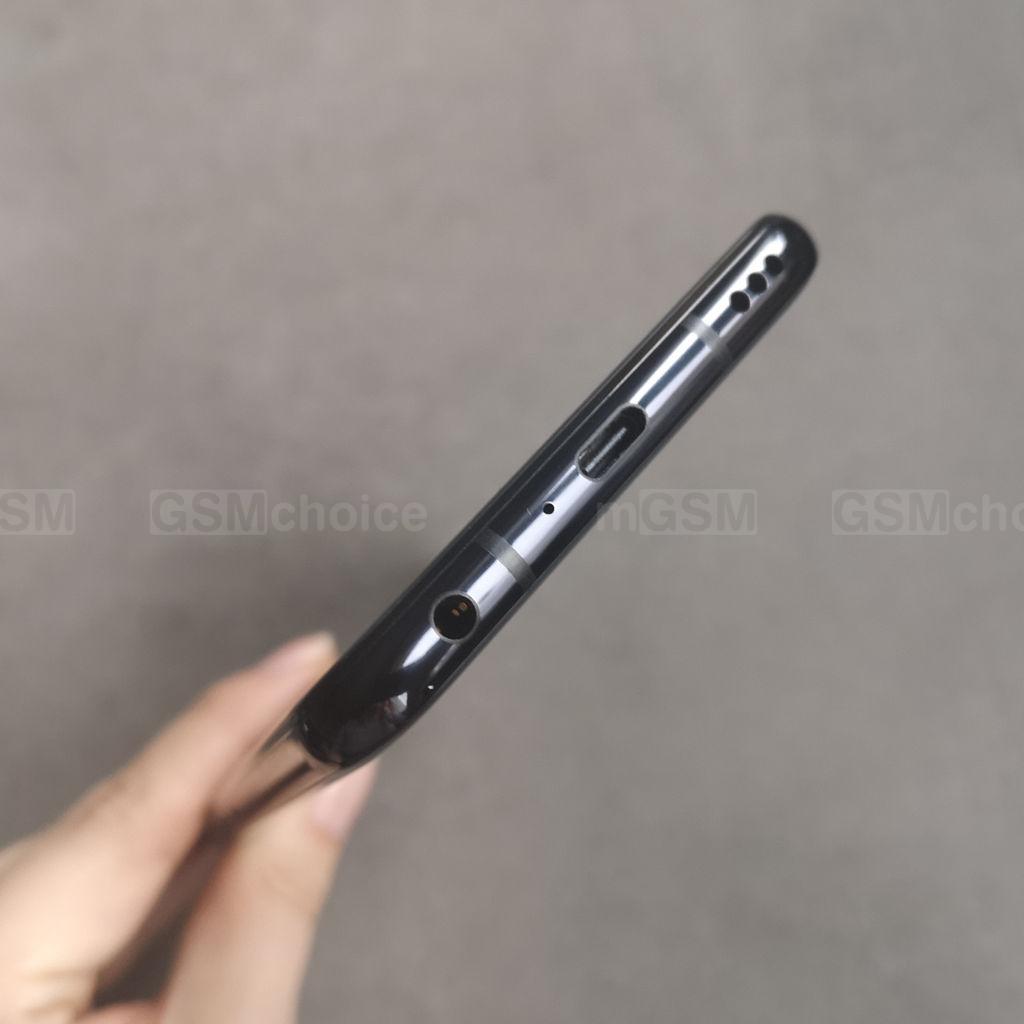
The aluminium frame of the phone is well profiled, which translates to the comfort of the usage. On the left side there are buttons for volume control and Google Assistant, on the lower edge there is a USB-C socket and a universal jack, we can see holes hiding the external speaker as well. On the right edge there is a power/lock button, we can see the hole of the additional microphone, while on the upper one there is a tray for two SIM cards, one slot is shared with a memory drive.


Source: GSMchoice.com