


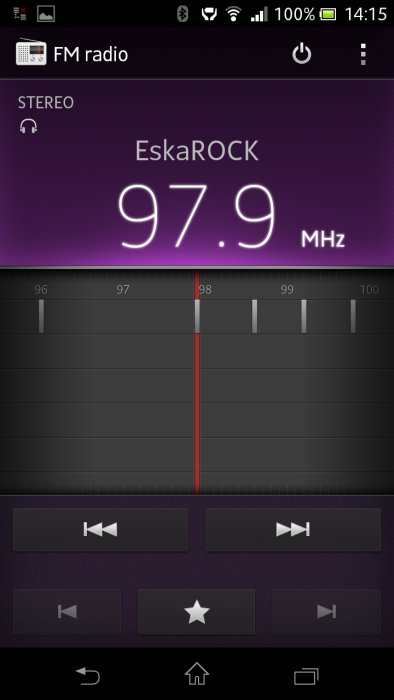
I am convinced that each of you will choose yourself a set of applications, according to your own needs and tastes, so I will add only that the five desktops provide the possibility to combine the icons in folders and in the main menu the standard launcher allows you to rank icons in the chosen order, alphabetically, by frequency of use and installation time. Now let's have a look at musical advantages of Xperia T. In the smartphone there is FM radio - an element not quite obvious to the competitors. Radio can automatically search for available stations, play in the background, allowing us to create a list of your favorite stations. It has an RDS decoder, you also have the option to TrackID, which searches the data of the track which is playing. The radio has a high sensitivity and a good sound, but unfortunately it does not give us the access to a sound equalizer. Good sound quality does not surprise me - years before, the Walkman branded phones stand out above-average sound quality and Xperia T proudly continues the tradition of its predecessors.
 |
 |
 |
 |
| Interface of Sony Xperia T photo: GSMchoice.com |
|||
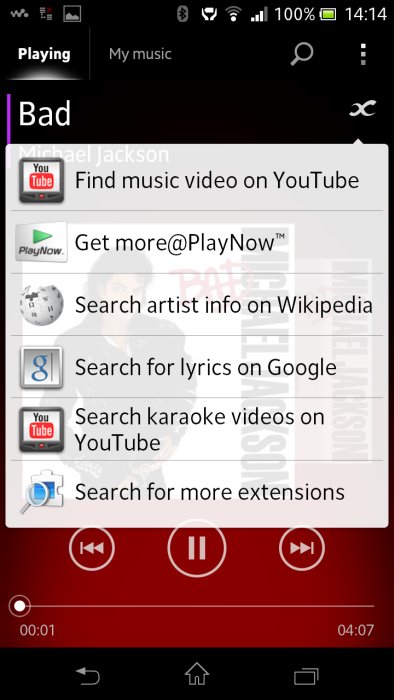
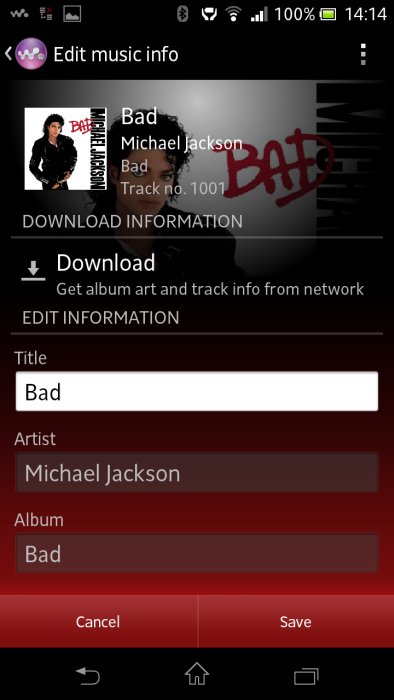
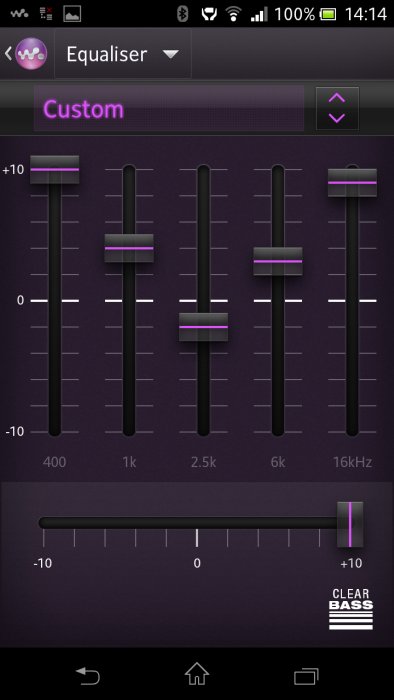
The Xperia Walkman gives us a full range of functions related to playing music, it can also retrieve data from Gracenote songs - including covers of most albums. In this case, unfortunately, it had a problem with a few "cult" items... searching for a more unusual albums, such as Ivan Mladka cabaret. As a consolation, however, you can always turn on the visualization - graphics, which will replace the original. When you switch on the music - believe me, the graphics will cease to count. Together with good headphones, Xperia T plays very well. The sound has adequate dynamics, momentum, stereo scene is in order, and the details sounded clean. Additionally we get juicy, well-controlled bass and decent power. The only minus is the inability to play WMA files. The single speaker built-in the phone also plays well - as for its dimensions. The Walkman also has the correct sound system, it can also create playlists based on mood: this option is called SensMe. A curiosity is the icon infinity that appears on the screen. It leads us to additional information about the track on Google, Wikipedia, YouTube, and sometimes it will even find karaoke version. Complementing, I will add that, of course, there was provided the opportunity to work with wireless headphones and speakers. NFC will help therewith with connection...
 |
 |
 |
 |
| Interface of Sony Xperia T photo: GSMchoice.com |
|||
Source: GSMchoice.com



 17.06.2026


