
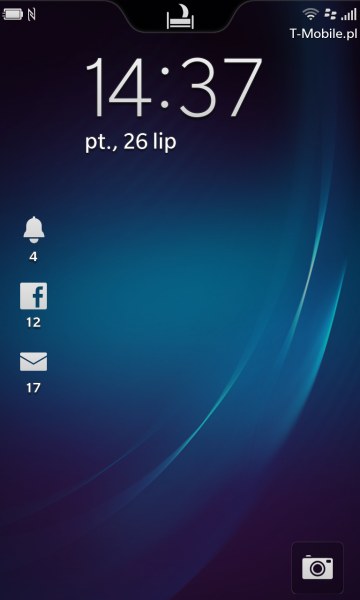
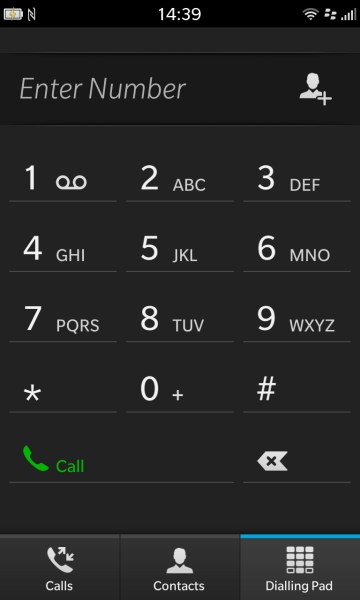
It's time to start the phone and explore the interface. The start-up takes less than a minute, after which the smartphone is actually immediately ready to use. Unlike its predecessors, to use the full capabilities of Z10 we do not have to activate any additional services from a carrier - all you need is an ordinary data packet. It is worthwhile to see the manual to familiarize yourself with the basic principles of the BlackBerry 10 interface. The system does not have anything insightful or surprising. I have found in the interface certain common features with MeeGo, iOS or Android. The BB10 deftly combines the most practical solutions, resulting in a really simple and convenient operation, which, however, takes some time to learn.
 |
 |
 |
|
| Interface of BlackBerry Z10 photo: GSMchoice.com |
|||
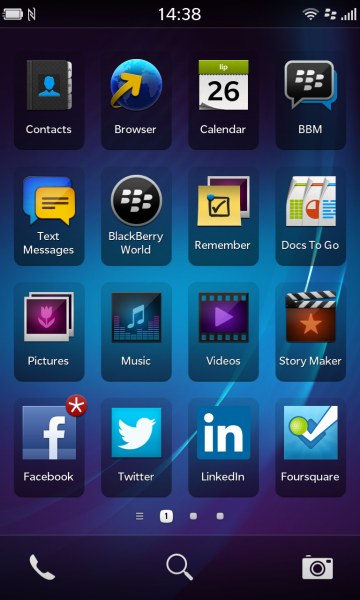
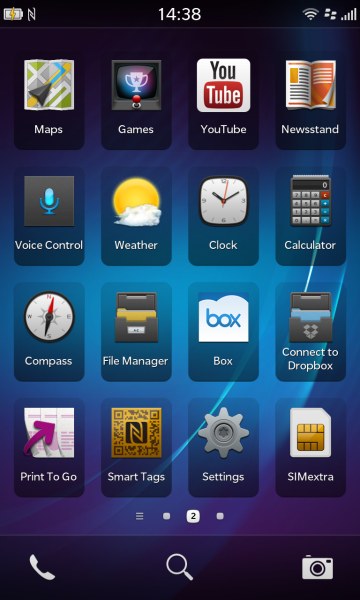
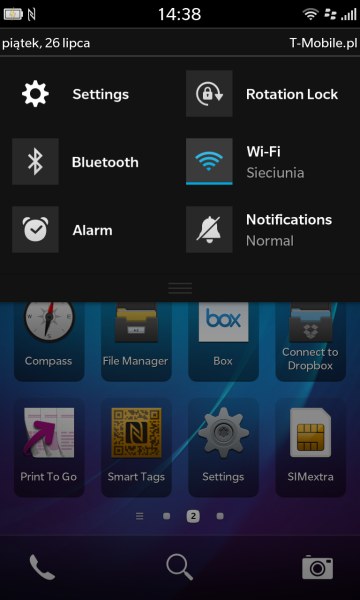
BB10 is based on several gestures involving moving your finger from the screen border into its middle in different directions. This we know from MeeGo. The system does not have widgets and desktop solution reminds me of iOS. Each application is represented by a large icon arranged in a 4x4 grid. We scroll to the next level desktops by swiping left or right. In the bottom of the screen you will see small dots representing each desktop and allow "jump" between them without scrolling. Holding down your finger on any icon activates the edit mode, where you can arrange icons by recognition or completely delete them along with your application. By moving the bar from the top edge down we slide out a switcher panel, well-known to Android users.
 |
 |
 |
|
| Interface of BlackBerry Z10 photo: GSMchoice.com |
|||
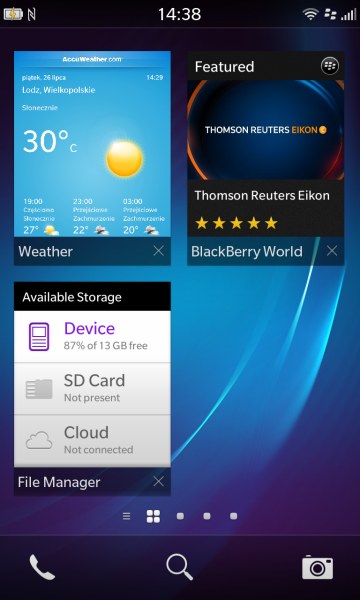
In contrast to Google system, in BB10 unfortunately, we cannot interfere in its configuration. In blackberry OS I even found a certain analogy with Windows Phone. There are "alive" tiles! They appear when minimizing the application. Unlike in other platforms, closing applications in BB10 proceeds in two stages. To exit the running application, you must slide your finger from the bottom edge of the display up. The application, however, does not close but minimizes to form a tile. And in some cases - for example, "weather" - is animated, as in Windows. To close the application completely, we need to click on the cross in the bottom corner of the tile. All this seems a bit intricate, but believe me - it is extremely easy to use, of course, if we train a little and get used to it.
 |
 |
 |
|
| Interface of BlackBerry Z10 photo: GSMchoice.com |
|||
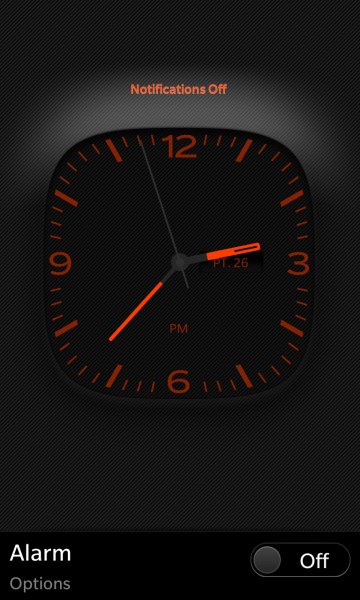
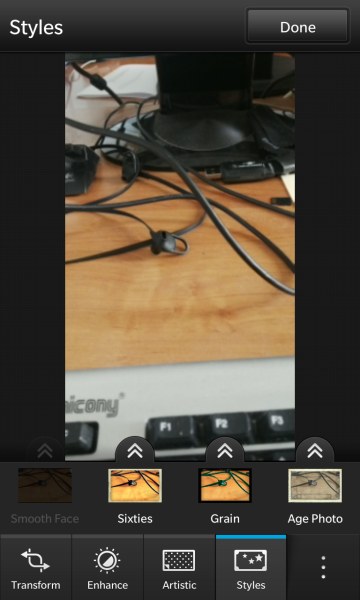
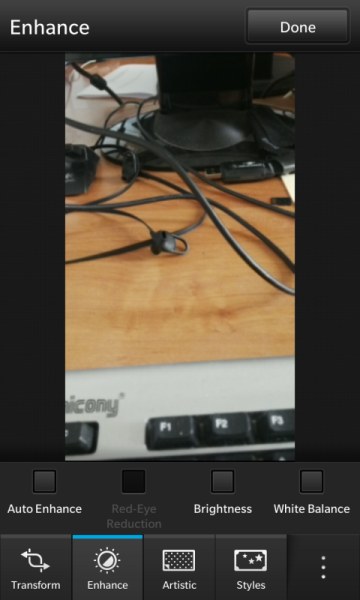
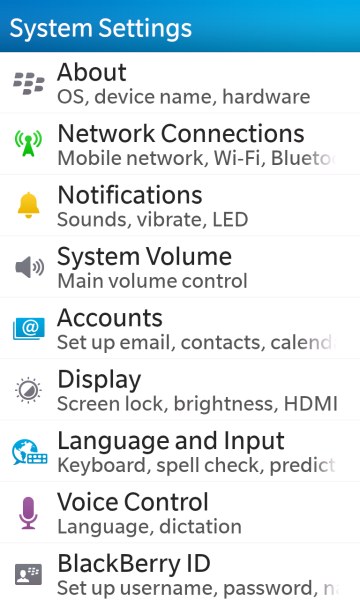
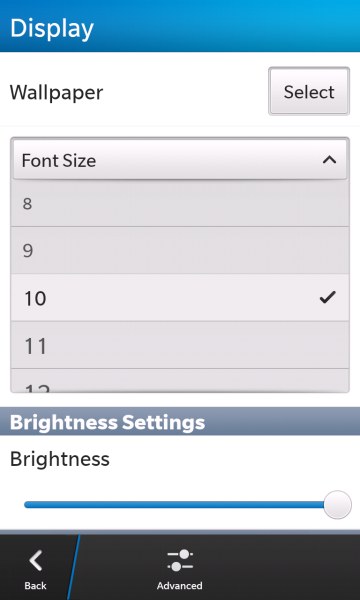
BlackBerry 10 in a standard version has virtually everything you need for efficient use of all the capabilities of your smartphone. There's a calendar, a package of office applications, social networking, file manager, image barcode scanner and also an excellent web browser (with Flash support). There is also a flagship messaging BlackBerry Messenger, an interesting option BB Balance, which allows the smartphone to switch between the private and the official mode. The access to the latter is protected by a password and encryption. It has an interesting "night mode", which can be activated by sliding your finger from top to bottom on the locked screen. The notifications' signals are muted, we have an easy access to the alarm clock and the center of the display shows a discrete clock. Z10-screen keyboard is worth a separate presentation and praiseworthy. It is quite comfortable to use, and it has an interesting hint system. When writing the phone tries to guess the word we want to write and shows us some suggestions in the lines separating the rows of the virtual keys. To approve any of the proposals, we just "push" it with a finger up to the line of text entry. One gesture, and how much it simplifies...
 |
 |
 |
|
| Interface of BlackBerry Z10 photo: GSMchoice.com |
|||
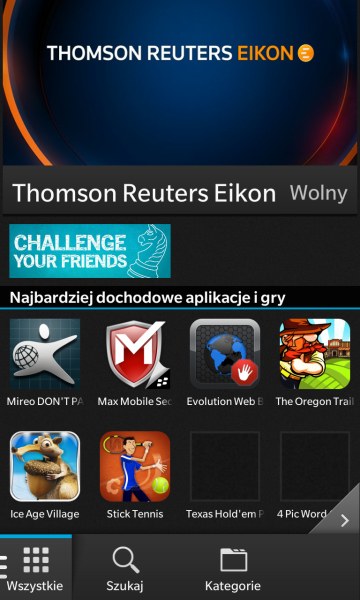
Does the BB10 interface have some cons? In fact, I see only one - the sloppy translation into Polish. In my copy I had an insert in Arabic and several items were translated too literally, giving a comic effect. Interestingly, in the second BlackBerry model with the same system, reviewed by me at the same time as Z10, I have not found similar mishaps in the translation... I did not like the fact that to exchange of any files between the phone and a computer we must install BB link and create an account of BlackBerry user. Interestingly, after the installation of BB Link we no longer have to run it, to access phone files from a PC level by a connected USB... I can't assess positively the offer of BB World store - at least for now. Compared with competing platforms it is still too modest, I was not able to find a few basic applications, such as EQ or Opera...
 |
 |
 |
|
| Interface of BlackBerry Z10 photo: GSMchoice.com |
|||
| Interface of BlackBerry 10 video: GSMchoice.com via YouTube |
|||
Source: GSMchoice.com